
|
Do it yourself
| |||
| ||||


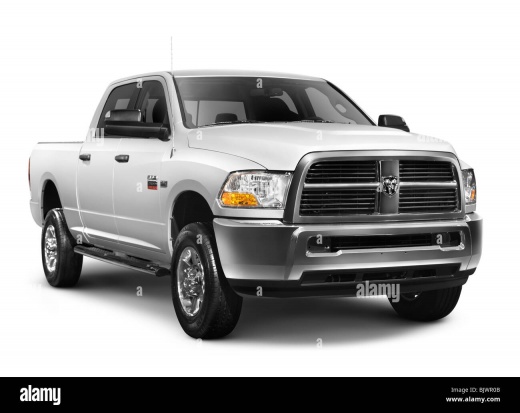
How to reset the oil light in the 2018 RAM 2500?
Model: RAM 2500
MK 4, DS, DJ, D2
- Years 2009-2019
The oil warning light can be easily reset via the RAM 2500 on-board computer. To do this, we must first switch on the instrument cluster by pressing the appropriate button twice. At this point, we must use the navigation keys located on the left side of the steering wheel to scroll and select the various items in the on-board computer menu. Go to the item relating to the residual life of the engine oil and hold down the forward scroll key until the display asks us if we want to confirm the reset, give the ok and wait a few seconds until the procedure is completed. completed.
Posted on 24 November 2022 by ScegliAuto
Video tutorial
Related tutorials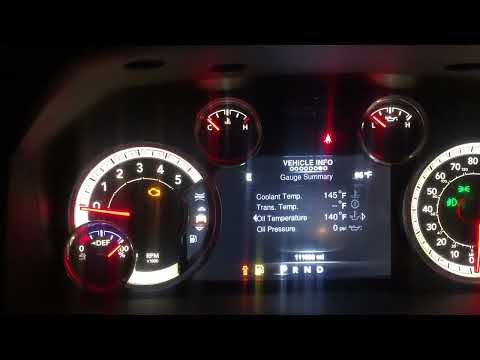
RAM 2500
(2009-2019 /
MK 4, DS, DJ, D2)
In this new mini guide concerning the world of the RAM 2500 (year 2016) we will describe a very simple and effective method that will allow you to fo…
RAM 2500
(2019-2026 /
MK 5, DT)
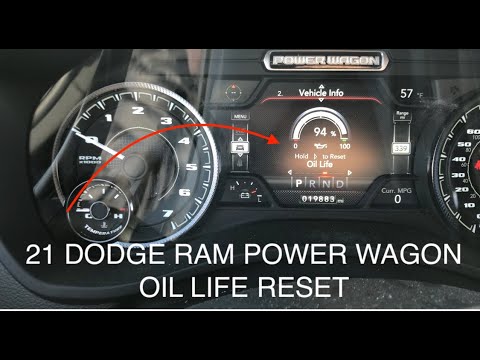
Manually resetting the Dodge RAM 2500 engine oil change light is really very simple and the whole procedure takes a few seconds to complete even if y…
RAM 2500
(2019-2026 /
MK 5, DT)
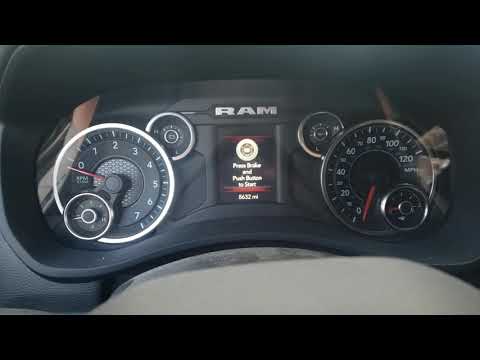
In this our new mini guide we will explain how to reset the alarm light relating to the oil change in the new Dodge RAM 2500 in a simple and quick wa…
Other guides you may be interested in
|
How to Replace the Fuel Filter on a Ford Focus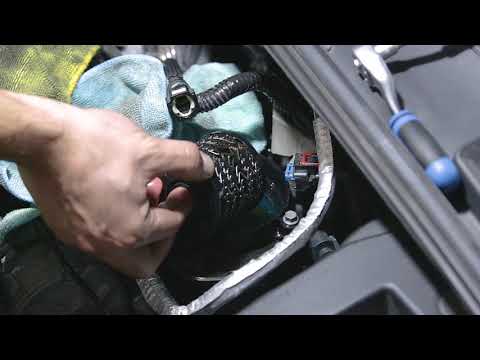
Want to replace the fuel filter on your car without incurring labour costs? Follow this guide to remove the fuel filter on a Ford Focus yourself. First, lift the bonnet and secure it. Once you locate the fuel filter, disconnect it from the pipes and wiring. Use a spanner and socket to unscrew the securing bolts of the upper filter cover, then unscrew the central bolt on the filter. Remove the worn filter and refit the cap with the new filter. Reattach the filter cover in the engine bay with all its parts (pipes and wiring). by ScegliAuto More videos
|
|
For advertising on this site Write to info@scegliauto.com
ScegliAuto is not responsible for any inaccuracy of the data in the lists. To report any inaccuracy or your business (if you own the business in question), please write to info@scegliauto.com
Number of seconds to generate the page: 0.149
(c) ScegliAuto 2026 - info@scegliauto.com - Privacy policy VAT number: IT01247470535 |
