
|
Do it yourself
| |||
| ||||


How to reset the oil light on a 2011 RAM 1500.
Model: RAM 1500
DS, MK 4, DJ
- Years 2009-2019
If you own a RAM 1500 Mk4 (2011) and are wondering how to manually reset the oil light that appears on the dashboard even after changing the oil and filter, then all you have to do is read the following guide carefully and follow the steps described. First, turn on the dashboard and enter the vehicle settings by pressing the menu button. Then scroll through the various options until you find "Oil change due". Finally, press "OK" and proceed with resetting the light.
Posted on 27 June 2023 by ScegliAuto
Video tutorial
Related tutorials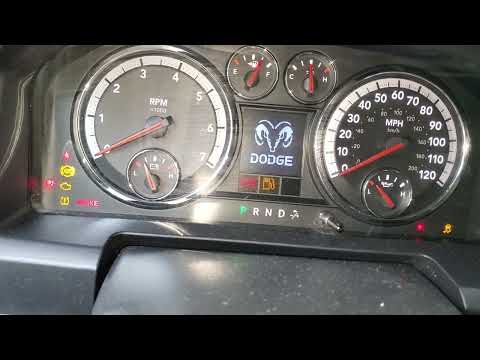
RAM 1500
(2009-2019 /
DS, MK 4, DJ)
In this new mini guide dedicated to all of you who own a fourth-generation RAM 1500, we will discover how to manually reset the engine oil light. Fur…
RAM 1500
(2019-2026 /
MK 5, DT)
If you own the brand new RAM 1500 and want to learn how to correctly perform a manual oil indicator reset, all you have to do is carefully read our n…

RAM 1500
(2009-2019 /
DS, MK 4, DJ)
Today's steps will allow us to reset the service light for the regular maintenance of the engine oil change on the RAM 1500. First, we get into the c…
Other guides you may be interested in
|
How to Remove the Heating Radiator on a Fiat Panda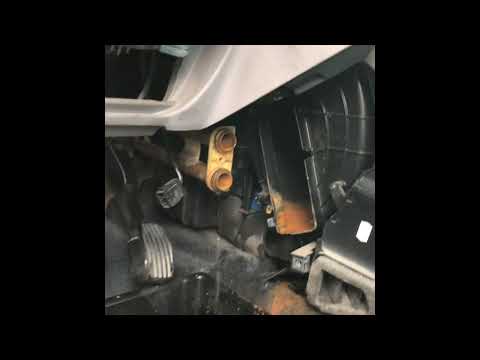
Watch this video to learn how to remove the heating radiator from a Fiat Panda. First, remove the plastic cover from the centre tunnel (located under the centre tunnel) and the cover around the gearbox. Unscrew the securing screws with a screwdriver as shown in the video and remove the black plastic cover that conceals the heating radiator. Once all the steps are completed, move to the engine bay: remove the plastic engine cover and disconnect the two hoses (unscrew the securing clips) of the radiator that extends into the cabin. Install the new part. Reverse all the assembly steps. by ScegliAuto More videos
|
|
For advertising on this site Write to info@scegliauto.com
ScegliAuto is not responsible for any inaccuracy of the data in the lists. To report any inaccuracy or your business (if you own the business in question), please write to info@scegliauto.com
Number of seconds to generate the page: 0.087
(c) ScegliAuto 2026 - info@scegliauto.com - Privacy policy VAT number: IT01247470535 |
