
|
Do it yourself
| |||
| ||||


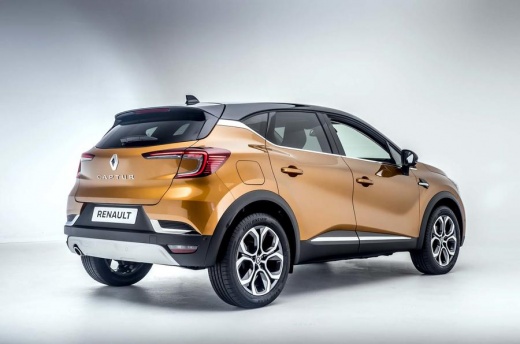
How do you reset the Service light in the Renault Captur?
Model: Renault Captur
MK 2
- Years 2019-2026
With the latest cars produced, one comes across different maintenance reminder warnings than usual, namely the Service light in the shape of a wrench and a message on the onboard computer, which clearly states how many days until the deadline. After carrying out the necessary maintenance interventions, as per the manufacturer's schedule, the aforementioned message is reset as follows: Turn on the instrument panel, access the Settings using the steering wheel arrow keys and when the message "Maintenance in" appears, indicating the remaining kilometers, press the Ok button. Reset completed.
Posted on 9 January 2025 by ScegliAuto
Video tutorial
Related tutorials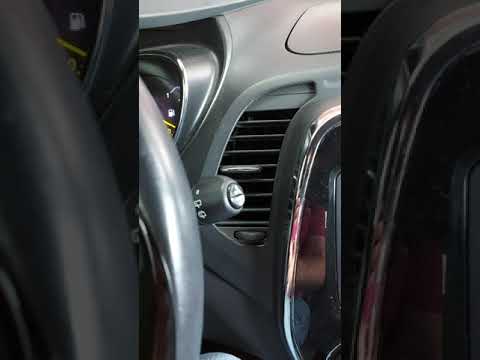
Renault Captur
(2013-2019 /
MK 1)
To reset the Service light on a Renault Captur, turn on the instrument panel to navigate through the menu: press the button located at the bottom of …

Renault Captur
(2013-2019 /
MK 1)
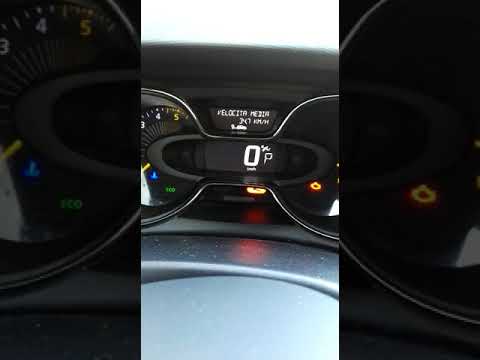
From the display of the Renault Captur, you can completely clear the Service light by turning on the instrument panel to access the menu. To do this,…
Renault Captur
(2013-2019 /
MK 1)
In this video, learn how to reset the maintenance light on a Renault Captur. Insert the key fob into the ignition slot. With the instrument cluster p…
Other guides you may be interested in
|
How to Replace the Heating Radiator in a Volkswagen Golf?
To remove the heating radiator in a Volkswagen Golf, you need to completely dismantle the lower part of the dashboard next to the pedal area: once this panel is removed, you can locate the heating radiator at the bottom of the dashboard. By loosening its fastening screws and disconnecting the fluid passage pipes, you can remove the old radiator and insert the new one. The new radiator must be properly secured and connected, ensuring everything is functioning correctly. by ScegliAuto More videos
|
|
For advertising on this site Write to info@scegliauto.com
ScegliAuto is not responsible for any inaccuracy of the data in the lists. To report any inaccuracy or your business (if you own the business in question), please write to info@scegliauto.com
Number of seconds to generate the page: 0.130
(c) ScegliAuto 2026 - info@scegliauto.com - Privacy policy VAT number: IT01247470535 |
