
|
Do it yourself
| |||
| ||||


How do you reset the AdBlue warning light on the Renault Master?
Model: Renault Master
MK 3
- Years 2010-2023
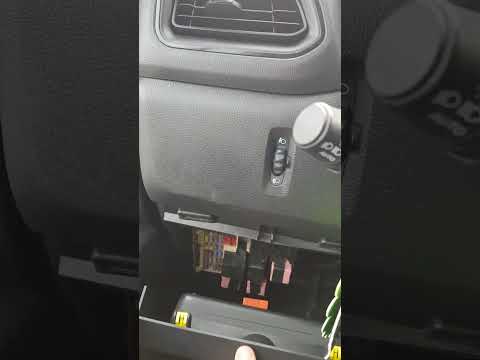
The reset of the AdBlue warning light that appears on the instrument panel of the Renault Master is carried out by first topping up the additional fluid, so that the appropriate tank is full. Once the top-up has been carried out, you will need to go inside the cabin and connect a scanner to the OBD port of the vehicle, located under the steering column. Then you will need to select the corresponding model and version of the vehicle on the scanner, following the operations shown in the video. In this way, it will be possible to turn on the instrument panel, to verify that the warning light disappears completely.
Posted on 19 February 2025 by ScegliAuto
Video tutorial
Related tutorials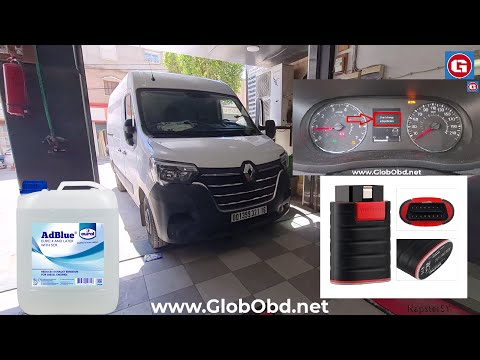
Renault Master
(2010-2023 /
MK 3)
Today's guide will show you how to reset the AdBlue warning light on the Renault Master, as well as on the Renault Clio and Dacia Duster. When you tu…
Renault Master
(2010-2023 /
MK 3)
To reset the AdBlue warning light on the Renault Master, first top up the necessary amount of additive liquid into the relevant tank. After topping u…

Renault Master
(2010-2023 /
MK 3)
The AdBlue warning light that appears on the instrument panel of the Renault Master can be reset by first topping up the AdBlue fluid, adding the nec…
Other guides you may be interested in
|
How to Open the Bonnet on the Lancia Y
To open the bonnet on this vehicle, follow these simple instructions: first, open the driver's door and locate the lever positioned just below the dashboard, marked with an image of the vehicle with the bonnet open. Pull this lever towards you until you hear a "click" indicating the bonnet is released. Next, exit the cabin and stand in front of the bonnet to disengage the safety catch and complete the opening. To do this, slightly lift the bonnet, locate the yellow lever underneath, and pull it to the left to fully release and open the bonnet. by ScegliAuto More videos
|
|
For advertising on this site Write to info@scegliauto.com
ScegliAuto is not responsible for any inaccuracy of the data in the lists. To report any inaccuracy or your business (if you own the business in question), please write to info@scegliauto.com
Number of seconds to generate the page: 0.855
(c) ScegliAuto 2026 - info@scegliauto.com - Privacy policy VAT number: IT01247470535 |
