
|
Do it yourself
| |||
| ||||


How do you reset the Service light on the Renault Clio?
Model: Renault Clio
Clio 2, MK 2
- Years 1998-2005
The Service light that appears on the instrument panel of the Renault Clio can be reset by turning on the instrument panel, turning the key inside the corresponding ignition block: once the instrument panel is on, you can hold down the button located on its right side. You will need to hold it down until all the lights on the panel illuminate; once the lights have turned off, you will notice that the Service light has been reset. You can verify that the reset has been done correctly by turning off and on the instrument panel.
Posted on 14 August 2025 by ScegliAuto
Video tutorial
Related tutorials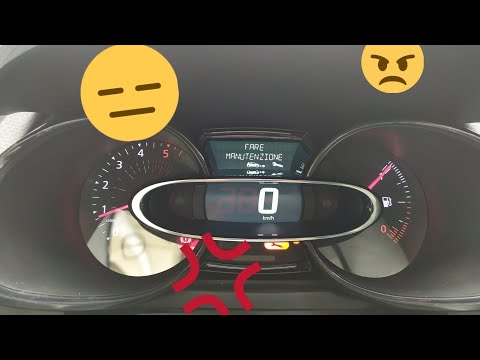
Renault Clio
(2012-2019 /
Clio IV, MK 4, Clio 4)
Before you begin, sit in the driver's seat of your Renault Clio. Start by activating the instrument panel. Next, select the "Service Interval" option…
Renault Clio
(2019-2026 /
Clio V, Clio 5)
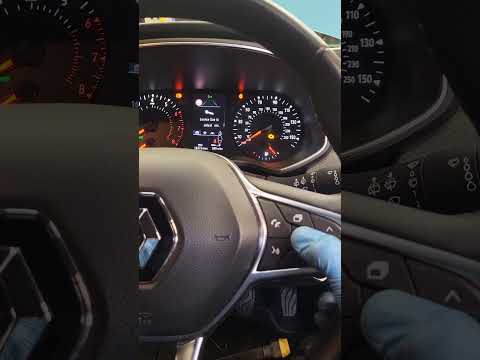
Good morning, today’s goal is to reset the "Service" light on your Renault Clio. Turn on the instrument panel by pressing the power button. Next, usi…
Renault Clio
(2005-2013 /
MK 3, Clio 3, Clio III)
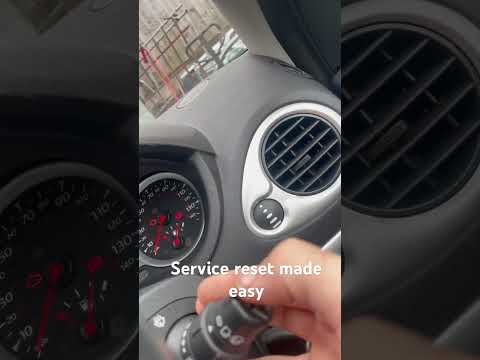
When the service light illuminates on the instrument cluster of your Renault Clio Mk3 (2005-2013) despite having already completed the service, you m…
Other guides you may be interested in
|
How to Replace the Battery on a Honda Vision 110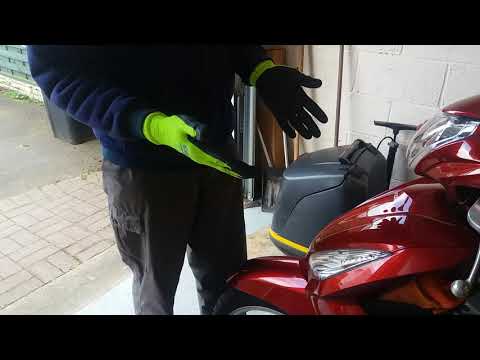
To replace the battery on a Honda Vision 110, you need to remove the front fairing of the motorcycle, located directly under the front headlamp. To loosen this panel, unscrew the two screws found at its top, just below the handlebar. Once these screws are loosened, lever under the panel to detach it, gaining access to the battery underneath: this battery must be removed from its housing by unscrewing the fixing screws and disconnecting the power cables, replacing it with a new one. by ScegliAuto More videos
|
For advertising on this site Write to info@scegliauto.com
ScegliAuto is not responsible for any inaccuracy of the data in the lists. To report any inaccuracy or your business (if you own the business in question), please write to info@scegliauto.com
Number of seconds to generate the page: 0.188
(c) ScegliAuto 2026 - info@scegliauto.com - Privacy policy VAT number: IT01247470535 |
