
|
Do it yourself
| |||
| ||||


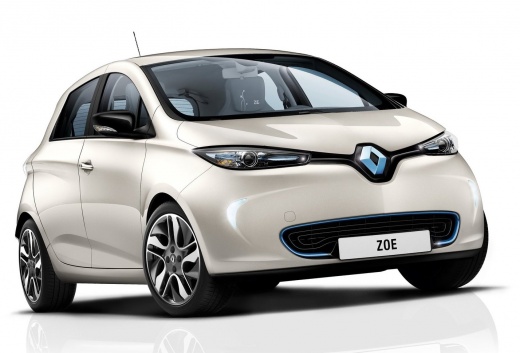
How to check the battery status of the Renault Zoe
Model: Renault Zoe
MK 1
- Years:
2013, 2014, 2015, 2016, 2017, 2018, 2019, 2020, 2021, 2022, 2023, 2024
Video tutorial
In this short guide, we will see the information that will allow us to check the status and parameters of the Renault Zoe battery. In order to check the battery status, it is necessary to use a specific diagnostic tool, to be connected to the OBD socket of the control unit; thanks to this, we will check the battery status and the voltages of the individual cells, thus verifying the various percentages and all other technical parameters, as shown in the video. The health status of the battery is important to understand its durability, opting for replacement if necessary.
Posted on 11 October 2025 by ScegliAuto
Related tutorials
Renault Zoe
(2013-2024 /
MK 1)
The fuses in the Renault Zoe are located inside the dedicated fuse box installed in the vehicle: in this type of vehicle, there is a single box for h…

Renault Zoe
(2013-2024 /
MK 1)
If you own a Renault Zoe and want to locate the OBD port, carefully read the following guide and follow all the steps described. Once inside the cabi…
Renault Zoe
(2013-2024 /
MK 1)
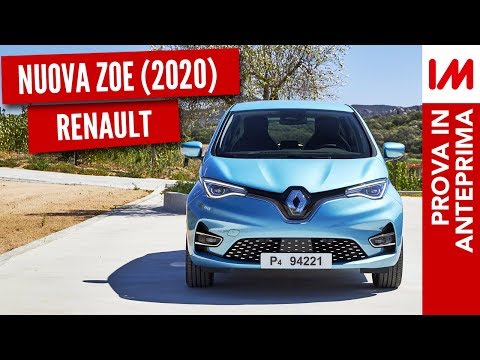
The new Renault Zoe has increased its range to nearly 248 miles, with the ability to recover 80% of the charge in half an hour. The new motor allows …
Other guides you may be interested in
|
How to Open the Fuel Filler Flap in the Hyundai i30?
In this tutorial, you will learn how to open the fuel filler flap in the Hyundai i30, a very simple operation that follows the typical procedure of most vehicles. First, unlock the locks using the designated button on the remote, then open the driver's door, locate the release lever on the left side of the seat, and operate it. Next, move to the fuel filler flap, open it completely, unscrew the cap, and refuel as needed. To close the flap, simply press it gently. by ScegliAuto More videos
|
|
For advertising on this site Write to info@scegliauto.com
ScegliAuto is not responsible for any inaccuracy of the data in the lists. To report any inaccuracy or your business (if you own the business in question), please write to info@scegliauto.com
Number of seconds to generate the page: 0.043
(c) ScegliAuto 2026 - info@scegliauto.com - Privacy policy VAT number: IT01247470535 |
