
|
Do it yourself
| |||
| ||||


How to Reset the Service Light on Renault Trafic 3?
Model: Renault Trafic
MK 3
- Years 2014-2026
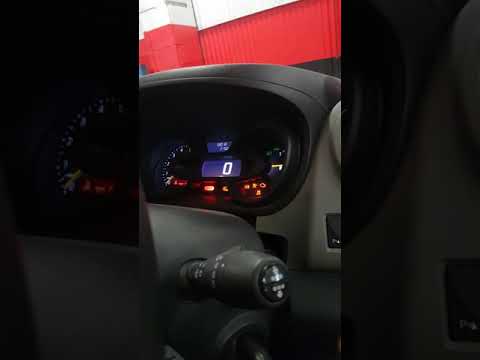
You have reached the service deadline and notice the spanner-shaped light is on. It is standard practice, at least for vehicles, now it can be said all, where this light is standard, to activate the reminder to avoid forgetting to carry out the necessary scheduled maintenance, engine oil, filters, spark plugs, and so on. After completing the aforementioned tasks, here’s how to reset: turn on the instrument panel, scroll through the settings list using the Up Arrow button on the end of the right steering lever, select Service, and hold down the Down Arrow to authorise the reset.
Posted on 3 May 2026 by ScegliAuto
Video tutorial
Related tutorials
Renault Trafic
(2014-2026 /
MK 3)
The instructions in this guide will allow you to reset the ordinary maintenance service light on a Renault Trafic. First, get in the vehicle and turn…
Renault Trafic
(2014-2026 /
MK 3)
Today, discover how to reset the service light for the regular maintenance oil change of the Renault Trafic. First, get inside the vehicle and turn o…

Renault Trafic
(2014-2026 /
MK 3)
On the instrument panel of the Renault Trafic, it will be possible to make the Service light disappear from the display by inserting the appropriate …
Other guides you may be interested in
|
How to Replace the Diesel Filter of the Peugeot 3008 1.5 BlueHDI
Briefly, we will see the main instructions for dismantling and replacing the diesel filter of the Peugeot 3008 1.5 BlueHDI. First, locate the diesel filter under the vehicle, so it will be necessary to lift it; then disconnect the electrical connector and the fuel lines from the filter, unscrewing the side screws to remove the cartridge, as shown in the video. At this point, replace the diesel filter with the new one, as well as with the original one; then reconnect the pipes and the electrical connector, following the video tutorial to the end! by ScegliAuto More videos
|
|
For advertising on this site Write to info@scegliauto.com
ScegliAuto is not responsible for any inaccuracy of the data in the lists. To report any inaccuracy or your business (if you own the business in question), please write to info@scegliauto.com
Number of seconds to generate the page: 0.155
(c) ScegliAuto 2026 - info@scegliauto.com - Privacy policy VAT number: IT01247470535 |
