
|
Do it yourself
| |||
| ||||


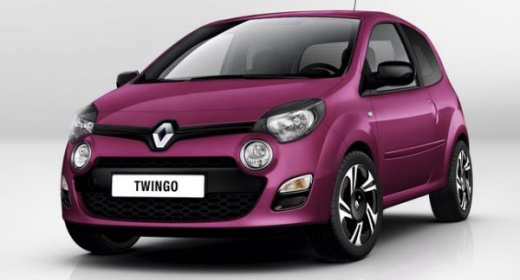
Key Fob: How to Change the Battery in a Renault
Model: Renault Twingo
Twingo 2
- Years:
2007, 2008, 2009, 2010, 2011, 2012, 2013, 2014
Video tutorial
For the Renault key fob, the battery replacement starts with extracting the emergency blade or opening the shell at the indicated point in the images. Insert the lever into the cut of the key body and gently lever it until the two halves separate. Once opened, lift the button battery while keeping an eye on the orientation. Insert the new battery as shown, respecting the positive/negative direction, then close the two shells until they click into place and reinsert the blade if it was removed. Once closed, test the remote to verify the opening/closing and the flashing of the LED (if present).
Posted on 20 June 2026 by ScegliAuto
Related tutorials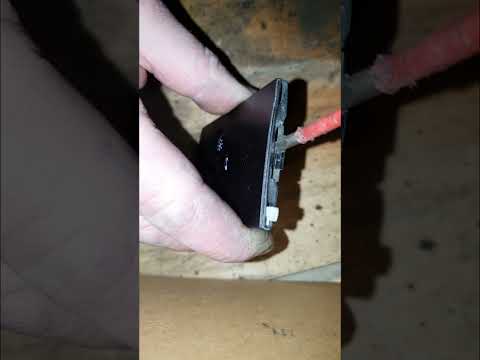
Renault Twingo
(1993-2007 /
Twingo 1)
To replace the button battery in your first series Renault Twingo key (1993-2007), carefully follow these simple instructions. First, locate the smal…
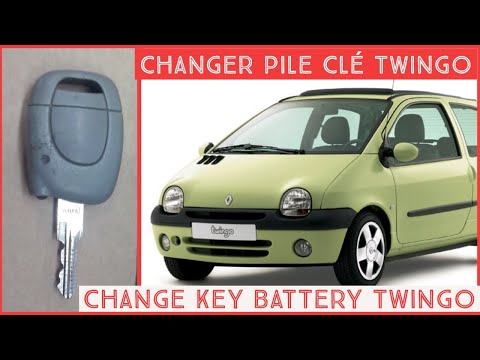
Renault Twingo
(1993-2007 /
Twingo 1)
In this article, we will see how to replace the battery in the key of a Renault Twingo 1, using the video as a guide. The procedure requires no tools…

Renault Twingo
(1993-2007 /
Twingo 1)
To change the battery of a Renault Twingo key, start by finding the small slot or button on the back of the key. Use a flathead screwdriver or simila…
Other guides you may be interested in
|
How to Activate the Automatic Folding and Unfolding of the Wing Mirrors on the Jeep Compass
Follow these brief instructions to activate the automatic folding and unfolding of the external wing mirrors on the Jeep Compass. First, get inside the vehicle and turn on the ignition; then press the button located beneath the mirror glass adjustment to electrically open the mirror, as shown in the video. Pressing the button in the opposite direction will close the mirrors; by holding the button, the mirrors will open and close automatically! by ScegliAuto More videos
|
|
For advertising on this site Write to info@scegliauto.com
ScegliAuto is not responsible for any inaccuracy of the data in the lists. To report any inaccuracy or your business (if you own the business in question), please write to info@scegliauto.com
Number of seconds to generate the page: 0.111
(c) ScegliAuto 2026 - info@scegliauto.com - Privacy policy VAT number: IT01247470535 |
