
|
Do it yourself
| |||
| ||||


How to Reset the Tyre Pressure Warning Light on an Alpine A110
Model: Renault Renault Various
Video tutorial
The Renault Alpine A110 is a mid-rear engine sports car, heir to the iconic French sports car of the 1970s. The reset of the tyre pressure warning light on the modern version is done from the steering wheel. Turn on the instrument panel and use the selector wheel located on the right side of the steering wheel to scroll up or down through the pages of the onboard computer. Continue scrolling until you see the tyre pressure monitoring page, which shows the pressure values of each individual tyre. Select the reset option for a few seconds: a confirmation message will appear on the screen (such as "reset in progress" or "calibration started"). To complete the procedure, you must drive the car for a few minutes at a speed above 25/30 miles per hour to allow the system to memorise the new values.
Posted on 24 June 2026 by ScegliAuto
Related tutorials
Renault Renault Various
In this tutorial, we will see how to reset the tyre warning light in the Renault Triber, a very simple and quick operation, to be performed only once…

Renault Renault Various
In this tutorial, we will see how to reset the tyre pressure light in the Renault Express van, a very simple and quick operation, to be performed onl…
Renault Renault Various
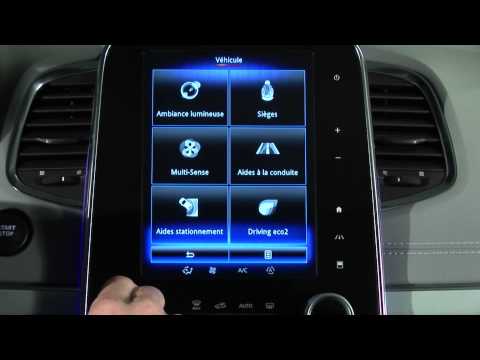
To reset the tyre pressure light on Renault vehicles, first inflate the tyres to the corresponding pressure value: this value is indicated on the sti…
Other guides you may be interested in
|
How to Open the Fuel Flap and Cap on an MG HS
This guide will show you how to open the fuel flap and cap on an MG HS in simple steps. To open the fuel flap, ensure the vehicle is unlocked; then press on the edge of the flap to open it, as shown in the video. Next, unscrew the fuel cap counterclockwise to refuel at the pump; once finished, screw the cap back on until it clicks, and finally close the fuel flap! by ScegliAuto More videos
|
|
For advertising on this site Write to info@scegliauto.com
ScegliAuto is not responsible for any inaccuracy of the data in the lists. To report any inaccuracy or your business (if you own the business in question), please write to info@scegliauto.com
Number of seconds to generate the page: 0.102
(c) ScegliAuto 2026 - info@scegliauto.com - Privacy policy VAT number: IT01247470535 |
