
|
Do it yourself
| |||
| ||||


Gear Knob Replacement on a Clio 3
Model: Renault Clio
MK 3, Clio 3, Clio III
- Years 2005-2013
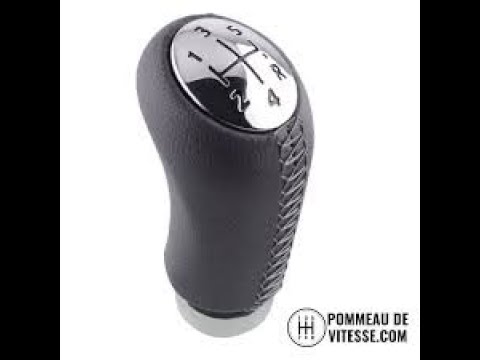
To remove and replace the gear lever knob on the Renault Clio, first, you need to remove the gaiter of the lever. To do this, use a small plastic lever to detach the plastic base to which the gaiter is connected, found in contact with the central console. Once the gaiter is removed, pull the gear knob upwards with force to dislodge and remove it from its seat. At this point, take the new knob, attach it to the gaiter (which can be new or the same one removed earlier), and reposition everything in their place. Ensure the gaiter base and the knob are properly secured.
Updated on 19 March 2026 by ScegliAuto
Video tutorial
Related tutorials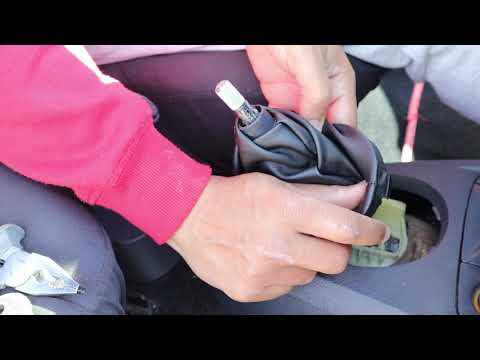
Renault Clio
(1998-2005 /
Clio 2, MK 2)
Before you begin, sit in the driver's seat of your Renault Clio. Start by prising off and lifting the lower section of the gear lever gaiter. Next, g…
Renault Clio
(2005-2013 /
MK 3, Clio 3, Clio III)
In this video, learn how to remove and replace the gear knob on the third series Renault Clio in simple and quick steps. First, get into the vehicle …

Renault Clio
(2005-2013 /
MK 3, Clio 3, Clio III)
Today's information will show us how to disassemble and replace the gear lever knob of the Renault Clio. First, we get into the car and start by remo…
Other guides you may be interested in
|
How to reset the tyre pressure warning light on the Suzuki Jimny?
To reset the tyre pressure warning light on the Suzuki Jimny, first inflate the tyres to the pressure value indicated on the corresponding sticker: this is located at the bottom of the driver's door pillar. Once the tyres are inflated, insert the ignition key and turn on the instrument panel: select the screen that indicates the tyre pressures, checking that the values change. After a few seconds, the tyre pressure warning light will automatically turn off. by ScegliAuto More videos
|

|
For advertising on this site Write to info@scegliauto.com
ScegliAuto is not responsible for any inaccuracy of the data in the lists. To report any inaccuracy or your business (if you own the business in question), please write to info@scegliauto.com
Number of seconds to generate the page: 1.089
(c) ScegliAuto 2026 - info@scegliauto.com - Privacy policy VAT number: IT01247470535 |
