
|
Do it yourself
| |||
| ||||


How to Reset the AdBlue Warning Light on the Renault Master
Model: Renault Master
MK 3
- Years:
2010, 2011, 2012, 2013, 2014, 2015, 2016, 2017, 2018, 2019, 2020, 2021
Video tutorial
If you see a strange warning related to AdBlue when you turn on the ignition, don’t worry as it’s nothing serious. Everything can be resolved in a few minutes and at a low cost. It is a specific additive used in Diesel engines to reduce environmental impact. Before proceeding with the various steps, you need to purchase a canister of AdBlue. All operations should be carried out with the engine off. The AdBlue tank is located on the passenger side, between the flap and the tailgate. Unscrew the blue cap and pour the new AdBlue inside using a rubber hose or a suitable funnel. Once done, you can close the tank and the flap. Turn the ignition back on and the warning light has disappeared.
Updated on 2 June 2026 by ScegliAuto
Related tutorials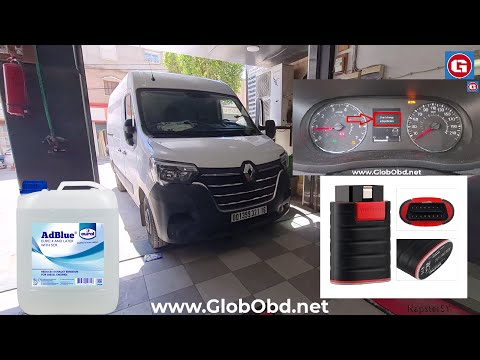
Renault Master
(2010-2023 /
MK 3)
.. Today's guide will show you how to reset the AdBlue warning light on the Renault Master, as well as on the Renault Clio and Dacia.. …
Renault Master
(2010-2023 /
MK 3)
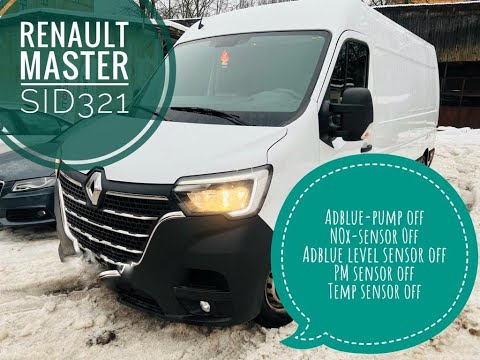
.. In this video tutorial, you will learn how to reset the AdBlue warning light on the Renault Master. First, top up the AdBlue tank by unscrewing.. …

Renault Master
(2010-2023 /
MK 3)
On the instrument panel of the Renault Master, the AdBlue warning light that appears can be reset by first topping up the AdBlue fluid, adding the ne…
Other guides you may be interested in
|
How to Remove the Rear Seat of a Hyundai Tucson?
To remove the rear seat of a Hyundai Tucson, follow these steps. Start by moving the front seats to their most forward position to gain space. Next, locate the release lever on the underside of the rear seat, near the floor. Press this lever down while pulling the seat upwards to unlock it from the anchor pins. Once unlocked, tilt the seat upwards and forwards to remove it from its position. Repeat this process for both sides of the rear seat. Be careful of any electrical cables or components that may be connected to the seat during removal. Once the rear seat is removed, the disassembly is complete. by ScegliAuto More videos
|
