
|
Do it yourself
| |||
| ||||


How to Reset the TPMS Light on the Renault Captur
Model: Renault Captur
MK 2
- Years 2019-2026
Even though this guide shows the procedure for correctly resetting the oil change light, do not worry as the same procedure applies to the TPMS sensor. First, turn off the engine and only switch on the ignition. Ensure that all doors are properly closed and press the menu button located on the right side of the steering wheel. Navigate up and down with the arrows until you find the option for resetting the tyre pressure. At this point, hold the up arrow for a few seconds and release it as soon as the display stops flashing. The reset is complete.
Updated on 8 June 2026 by ScegliAuto
Video tutorial
Related tutorials
Renault Captur
(2019-2026 /
MK 2)
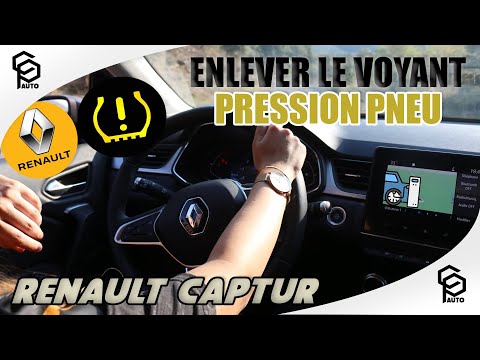
When the tire pressure warning light comes on a 2020 Renault Captur vehicle, it means that the tire pressure needs to be adjusted. After that, you ca…
Renault Captur
(2019-2026 /
MK 2)
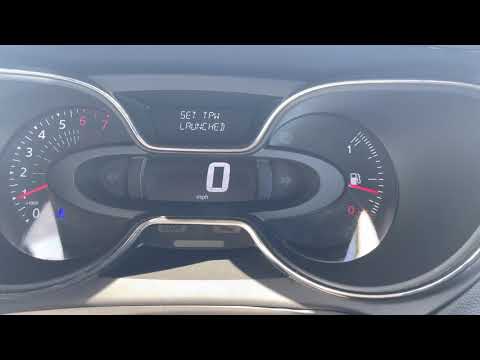
After inflating all four tyres and checking them according to the instructions on the stickers located on the door sills, you can reset the TPMS ligh…
Renault Captur
(2013-2019 /
MK 1)
In this video tutorial, you will see how to reset the tyre pressure light on the first series Renault Captur, as well as on the Clio 4; before perfor…
Other guides you may be interested in
|
How to Remove the Airbag from Citroen C3
To remove the airbag from a Citroen C3, follow these steps, which you can also see in the attached video. Check the warning light: before proceeding, ensure that the airbag warning light is off and that the horn functions correctly. Disconnect the battery: disconnect the battery to ensure safety during the operation. Locate the holes behind the steering wheel: find the two holes located behind the steering wheel. Insert a long screwdriver: insert a long screwdriver into the holes and press firmly to unlock the internal clips. Remove the airbag: at this point, you can remove the airbag from the steering wheel and disconnect the two internal connectors. by ScegliAuto More videos
|
|
For advertising on this site Write to info@scegliauto.com
ScegliAuto is not responsible for any inaccuracy of the data in the lists. To report any inaccuracy or your business (if you own the business in question), please write to info@scegliauto.com
Number of seconds to generate the page: 0.624
(c) ScegliAuto 2026 - info@scegliauto.com - Privacy policy VAT number: IT01247470535 |
