
|
Do it yourself
| |||
| ||||


How to Remove the Car Radio from a Renault Clio III
Model: Renault Clio
Clio 3, MK 3, Clio III
- Years:
2005, 2006, 2007, 2008, 2009, 2010, 2011, 2012, 2013
Video tutorial
This video demonstrates how to easily remove the front panel of the radio from a Renault Clio III. There are special keys designed for removing radios from their housing, known as "release keys". You can easily find them on any e-commerce site, such as Amazon with code B079J5D55W, priced at £9.99 for the pair, with free delivery for Prime customers. However, if you prefer to follow the advice of our YouTuber, obtain four long screws to achieve the same result by pressing all four at the same time to release the radio's front panel. At that point, simply disconnect the plugs and the job is done.
Updated on 14 August 2026 by ScegliAuto
Related tutorials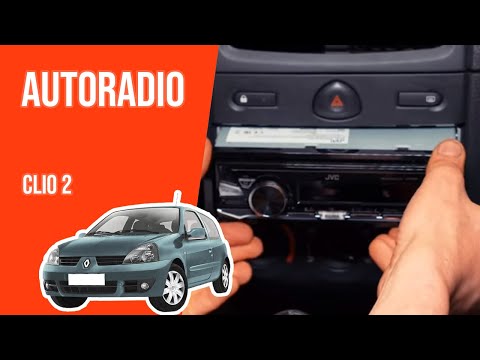
Renault Clio
(1998-2005 /
MK 2, Clio 2)
Removing the radio from a Renault Clio. Here's how to remove it and fit a new one in the dashboard. Insert the removal keys into the holes on the sid…

Renault Clio
(2005-2013 /
Clio 3, MK 3, Clio III)
How to remove the ventilation knobs on a Renault Clio? Follow these steps carefully for disassembly. Use the original or aftermarket metal keys to re…

Renault Clio
(2012-2019 /
Clio IV, Clio 4, MK 4)
To unlock the radio of the Renault Clio 4 after a reset, remove the plastic cover surrounding the radio by disengaging its retaining clips. Once the …
Other guides you may be interested in |
How to reset the tyre pressure warning light on the Kia Niro EV?
To reset the tyre pressure warning light on the Kia Niro EV, inflate the tyres until they reach the correct pressure value. This value is indicated on the sticker attached to the driver's door pillar. Once the tyres are inflated, turn on the instrument cluster to check that the warning light has completely disappeared from the display. If it is still present, you may need to drive for a few miles to ensure it disappears completely from the screen. by ScegliAuto More videos
|
|
For advertising on this site Write to info@scegliauto.com
ScegliAuto is not responsible for any inaccuracy of the data in the lists. To report any inaccuracy or your business (if you own the business in question), please write to info@scegliauto.com
Number of seconds to generate the page: 0.088
(c) ScegliAuto 2026 - info@scegliauto.com - Privacy policy VAT number: IT01247470535 |
