
|
Do it yourself
| |||
| ||||


Replacing the Brake Discs on Your Car
Model: Renault Scenic
MK 2, Scenic 2
- Years 2003-2009
This guide provides step-by-step instructions for replacing brake discs. Both the braking system and the vehicle's discs are crucial for ensuring the vehicle operates efficiently, benefiting the safety of both the driver and passengers. This procedure can be carried out independently without needing a mechanic, but it is essential to have a good level of manual dexterity. First, turn the steering wheel to your side so that the brake caliper faces you. Lift the car with a jack and remove the wheel after taking off the wheel nuts. Use an Allen key to unscrew all the bolts on the back that secure the caliper to the frame. Next, place the car on a flat surface and engage a gear to lock the front wheels. You can then remove the brake caliper. At this point, only the caliper bracket with the brake pads inside will remain. Remove the pads using a suitable flat screwdriver, taking care not to damage the disc. Then unscrew the bolts that secure the bracket to the hub. Set them aside, as they will be needed for reassembly. At this point, only the brake disc will remain, which needs to be replaced.
Updated on 22 February 2026 by ScegliAuto
Video tutorial
Related tutorials
Renault Scenic
(1996-2003 /
)
Obtain original replacement discs, then remove the wheel and subsequently detach the caliper. Remove the caliper support bracket using a spanner by u…
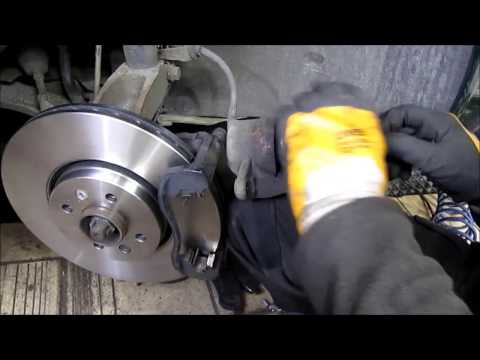
Renault Scenic
(2003-2009 /
MK 2, Scenic 2)
Lift the vehicle on suitable axle stands and remove the front wheel; unscrew the retaining bolts of the brake caliper from the support and remove it;…
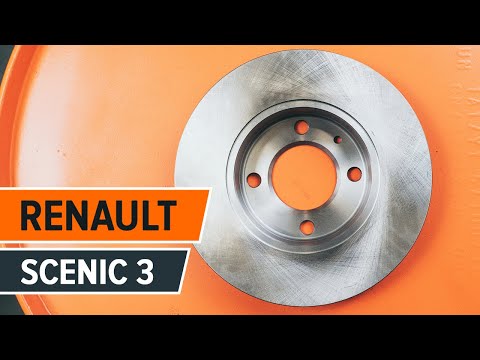
Renault Scenic
(2009-2015 /
Scenic 3, MK 3, MK III, Scenic III)
To replace the rear brake discs, lift the vehicle and remove the rear wheel; then remove the caliper mounting bolts and hang it with a cable or zip t…
Other guides you may be interested in
|
Where is the Fuel Filter Located in a Volvo XC60?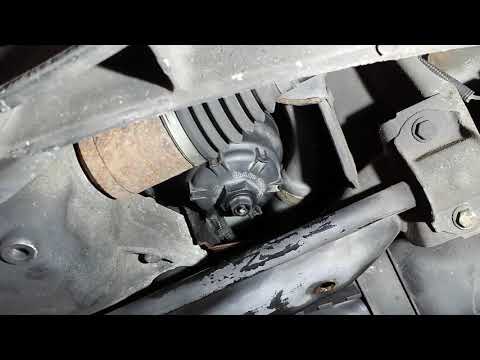
In this video, you will see where the fuel filter is located in a Volvo XC60 and how to proceed if you need to replace it. As shown, the filter is positioned at the lower part of the engine, right between the left half-shaft and the sway bar attachment. To replace the filter, first, go underneath the vehicle, taking all necessary safety precautions. Then, using an 18mm wrench, open the drain valve and allow any water present to escape. Next, unscrew the housing, remove the old filter, insert the replacement along with a new gasket, and reassemble everything. by ScegliAuto More videos
|
|
For advertising on this site Write to info@scegliauto.com
ScegliAuto is not responsible for any inaccuracy of the data in the lists. To report any inaccuracy or your business (if you own the business in question), please write to info@scegliauto.com
Number of seconds to generate the page: 0.280
(c) ScegliAuto 2026 - info@scegliauto.com - Privacy policy VAT number: IT01247470535 |
