
|
Do it yourself
| |||
| ||||


How to Remove the Fan in a Renault Clio
Model: Renault Clio
Clio 3, MK 3, Clio III
- Years:
2005, 2006, 2007, 2008, 2009, 2010, 2011, 2012, 2013
Video tutorial
Removing the air fan (cabin fan) in a Renault Clio requires some effort, but it can be done with the right tools and a bit of patience. The following instructions are general and may vary slightly depending on the year and model of your Clio. ### Tools Required: - Cross-head screwdriver and/or Torx screwdriver (depending on the type of screws used) - A ratchet with an extension (may be needed to access hidden bolts) - Optionally, a lamp or torch to illuminate the work area ### Procedure: 1. **Preparation:** - Ensure the car is parked on a flat surface and the engine is off. - Disconnect the battery to avoid short circuits or accidental activation of the electrical system. 2. **Remove the Glove Compartment (if necessary):** - Some models require the removal of the glove compartment to access the fan. - Unscrew the screws holding the glove compartment in place and carefully remove it. 3. **Access the Fan:** - The fan is generally located under the dashboard on the passenger side. - You may need to remove some plastic panels from the dashboard for easier access. This varies by model. 4. **Disconnect the Electrical Connector:** - Locate the electrical connector that powers the fan and disconnect it. 5. **Remove the Fan Screws:** - The fan is secured with screws (often Torx) to the bracket. Use the appropriate screwdriver to remove them. - Some models have a fan that can be simply pulled out by turning it counter-clockwise. 6. **Extract the Fan:** - Once the screws and connectors are removed, you can carefully pull the fan out. - If you encounter resistance, check for any additional screws or clips that need to be removed. 7. **Install the New Fan (if necessary):** - If you are replacing the fan, position the new one in the same housing and secure it with the screws. - Reconnect the electrical connector and check the fan operation before reassembling everything. 8. **Reassembly:** - Once you are sure everything is working correctly, reassemble the panels and the glove compartment (if you removed it). - Reconnect the battery.
Updated on 18 October 2026 by ScegliAuto
Related tutorials
Renault Clio
(1990-1998 /
Clio 1, MK 1)
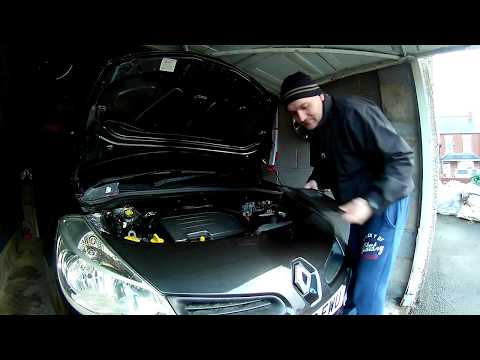
In this brief guide, we will go through the steps on how to remove and replace the cabin fan in the Renault Clio. First, open the car's bonnet and st…
Renault Clio
(2005-2013 /
Clio 3, MK 3, Clio III)
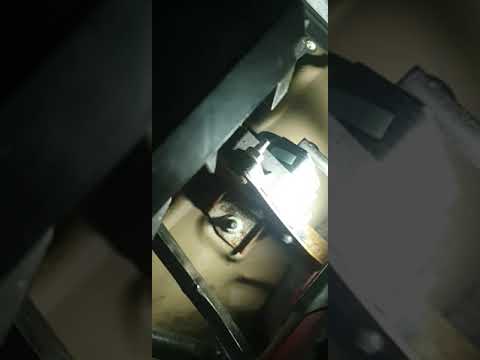
In this video, see how to repair the cabin fan of a Renault Clio third series. First, disconnect the two battery terminals; then access the inside of…
Renault Clio
(2005-2013 /
Clio 3, MK 3, Clio III)
In this video tutorial, learn how to remove the air conditioning fan resistor on the third series Renault Clio in simple and quick steps. First, get …
Other guides you may be interested in
|
How to Set the Time in an Audi A4?
In this tutorial, you will see how to set the time in an Audi A4, a very simple and quick operation to perform after replacing the battery or when the time changes. First, insert the key and turn on the instrument cluster. Then, press the "SETUP" button located on the center console. Next, press the upper left arrow button, navigate to the "Time" option, and use the central knob to adjust the clock. Finally, set any necessary formats and save by returning to the main screen. by ScegliAuto More videos
|
|
For advertising on this site Write to info@scegliauto.com
ScegliAuto is not responsible for any inaccuracy of the data in the lists. To report any inaccuracy or your business (if you own the business in question), please write to info@scegliauto.com
Number of seconds to generate the page: 0.105
(c) ScegliAuto 2026 - info@scegliauto.com - Privacy policy VAT number: IT01247470535 |
