
|
Do it yourself
| |||
| ||||


How to Remove and Replace the Bulbs of the Rear Light on a Smart Fortwo
Model: Smart Smart
451
- Years 2007-2015
Are the rear lights of your Smart Fortwo not working anymore? Let’s see how to remove and replace the bulbs: open the boot lid, remove the plastic panel at the side of the trim. Once the cover plastic is removed, unscrew the bulb holder from the back of the light; disconnect the power terminals and replace the damaged bulbs with new ones (same size and voltage). Finally, refit the bulb holder in the light with the new bulbs and reattach the plastic cap on the trim. Test the correct operation of the previously fitted bulbs.
Updated on 9 March 2026 by ScegliAuto
Video tutorial
Related tutorials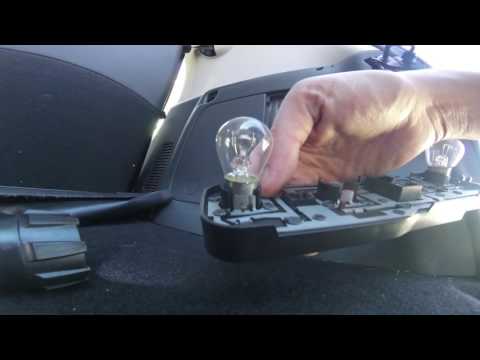
Smart
(2014-2022 /
453)
How to remove the rear headlamp bulb of a Smart Fortwo? Let's look at replacing the damaged part. Remove the plastic panel covering the rear headlamp…
Smart
(1998-2007 /
450)
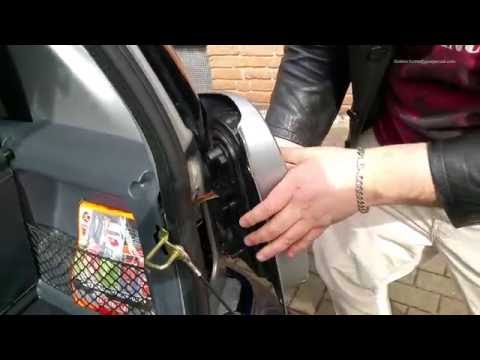
How do you replace the rear light bulbs on a Smart Fortwo? In this video, learn how to replace damaged bulbs: open the boot lid, and using a screwdri…
Smart
(2007-2015 /
451)
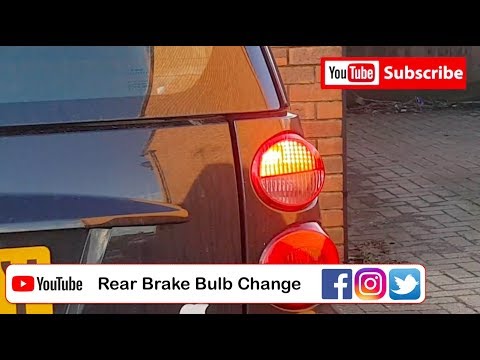
Are the rear light bulbs on your Smart Fortwo not working anymore? Follow this guide to replace the bulbs: open the boot lid, remove the plastic pane…
Other guides you may be interested in |
How to Reset the Oil Maintenance Service on a Fiat 500X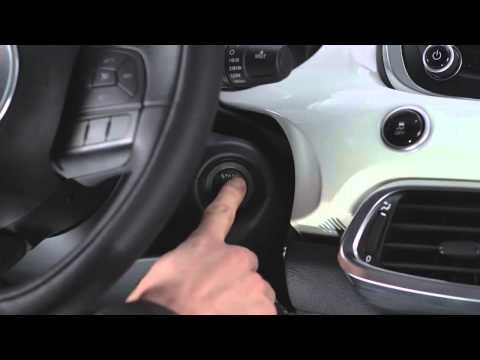
In this video, learn how to reset the oil maintenance service on a Fiat 500X. This is a very simple operation. Enter the vehicle and turn on the instrument cluster using the button next to the steering wheel. Press the accelerator pedal three times in quick succession, then release the pedal. Turn off the instrument cluster, then turn it back on and wait for it to illuminate. Finally, check the changes made to the car. Always remember to make adjustments to the onboard computer with the engine off. by ScegliAuto More videos
|

|
For advertising on this site Write to info@scegliauto.com
ScegliAuto is not responsible for any inaccuracy of the data in the lists. To report any inaccuracy or your business (if you own the business in question), please write to info@scegliauto.com
Number of seconds to generate the page: 0.059
(c) ScegliAuto 2026 - info@scegliauto.com - Privacy policy VAT number: IT01247470535 |
