
|
Do it yourself
| |||
| ||||


Remove the brake pads on Smart Fortwo
Model: Smart Smart
451
- Years 2007-2015
Remove the front disc brake pads if worn on a Smart Fortwo. Let's see how they disassemble from the disc brake. We position the vehicle on a column bridge, lift it to a comfortable height to intervene. We unscrew the wheel pins with a telescopic wrench. We begin to unscrew the pins of the brake caliper; let's detach it from the support. With a screwdriver we detach the brake pads from the caliper. We mount the new brake pads with all the pins attached, we tighten the caliper support to the disc, then, we mount the brake caliper and screw it with the screws. We mount the wheel. We bleed the brake caliper and top up if necessary.
Posted on 4 July 2020 by ScegliAuto
Video tutorial
Related tutorials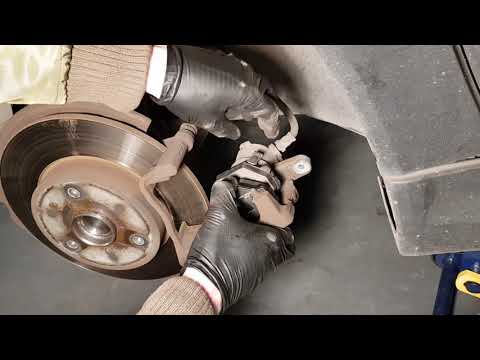
Smart
(2007-2015 /
451)
Replacing damaged pads on a Smart Fortwo? Let's see how they disassemble. We raise the car on a column point up to the desired height, immediately af…
Smart
(2007-2015 /
451)
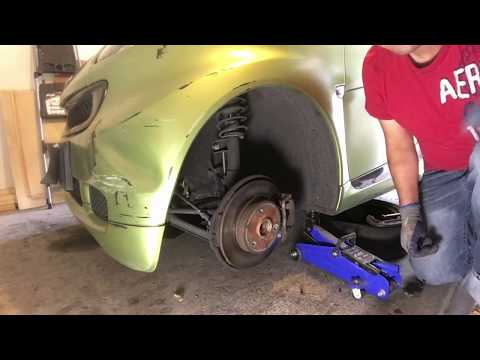
We replace the worn front disc brake pads of the Smart Fortwo. We remove the front wheel, unscrew the brake caliper locking pin, remove the same from…
Smart
(2007-2015 /
451)
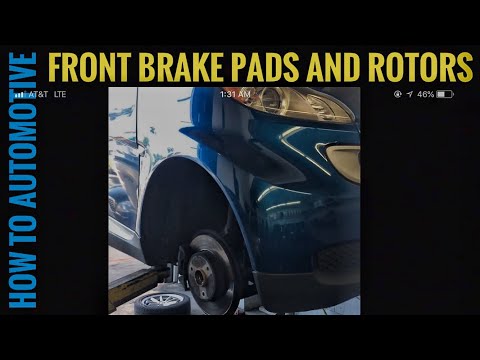
Worn brake pads? Let's see how they disassemble on a Smart Fortwo. We raise the car on a column point to the desired height: we remove the circle wit…
Other guides you may be interested in
|
Changing the Key Remote Battery on a Ford Focus C-Max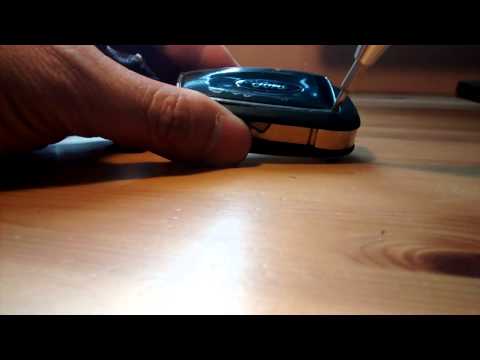
How do you change the battery of the key remote for a Ford Focus C-Max? Watch this detailed video to find out. Take your remote and use a screwdriver to pry between the key cover and the plastic cap. Pry until the two pieces separate from the cover, then use a screwdriver to extract the battery and replace it with a new one of the same size and voltage. Reassemble the cover by pressing on the key remote until you hear it click into place. Finally, insert the metal key into the remote. Check the correct operation of the remote. by ScegliAuto More videos
|

|
For advertising on this site Write to info@scegliauto.com
ScegliAuto is not responsible for any inaccuracy of the data in the lists. To report any inaccuracy or your business (if you own the business in question), please write to info@scegliauto.com
Number of seconds to generate the page: 0.060
(c) ScegliAuto 2026 - info@scegliauto.com - Privacy policy VAT number: IT01247470535 |
