
|
Do it yourself
| |||
| ||||


Smart key battery replacement
Model: Smart Smart
451
- Years 2007-2015
Use a small flat screwdriver to pry up the seam of the key case on the opposite side of the key. By doing so, you will be able a little at a time to release the interlocking hooks and this casing will split into two parts. Once this is done, you can extract the electronic card present in the casing and, by turning it, you will find the tiny battery. Pry it out again with a small flat screwdriver and simply insert the new one. Reassemble everything by working backwards. The battery costs very little and is a CR2016, you can find it on the net or in a hardware store.
Posted on 26 December 2020 by ScegliAuto
Video tutorial
Related tutorials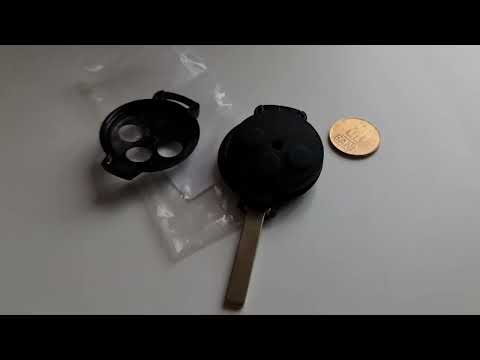
Smart
(2007-2015 /
451)
If the key of your Smart 451 suddenly stopped working, it is very likely that the small button battery inside it has completely discharged. In the fo…
Smart
(2007-2015 /
451)
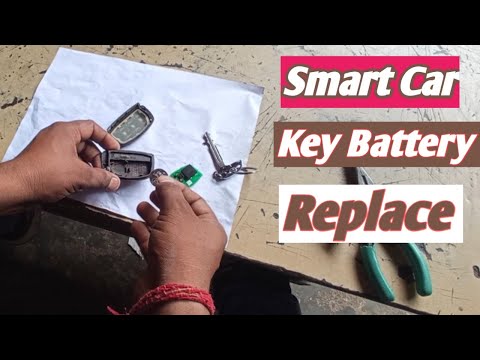
Replacing the battery of a Smart key is a very simple operation that can be done independently, thanks also to our video guide. Let's start the key r…

Smart
(1998-2007 /
450)
We insert a screwdriver with a metal tip into the top part of the key and then open the key of the Smart Fortwo, a model produced from 1998 to 2007, …
Other guides you may be interested in
|
How to Remove the Instrument Cluster on a Nissan Qashqai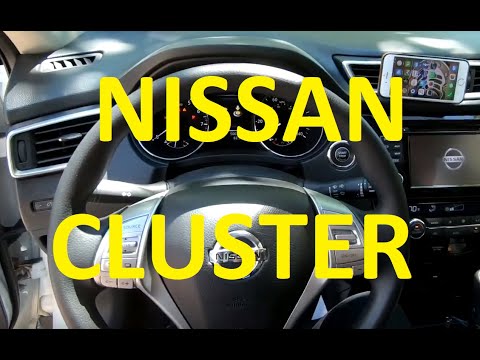
How to remove the instrument cluster on a Nissan Qashqai? Follow these steps: use a lever to remove the trim plastics under the steering wheel and take out the air vent next to the instrument cluster. Unscrew the securing screws of the instrument cluster with a screwdriver; after removing the plastics, pull out the ignition button (right side) from the dashboard and detach the plastics in the centre of the cluster. Unscrew the securing screws around the instrument cluster and remove it along with the power cable located at the back of the cluster. Install a new part or replace the LEDs/bulbs in the cluster and reassemble it. by ScegliAuto More videos
|

|
For advertising on this site Write to info@scegliauto.com
ScegliAuto is not responsible for any inaccuracy of the data in the lists. To report any inaccuracy or your business (if you own the business in question), please write to info@scegliauto.com
Number of seconds to generate the page: 0.152
(c) ScegliAuto 2026 - info@scegliauto.com - Privacy policy VAT number: IT01247470535 |
