
|
Do it yourself
| |||
| ||||


How do i replace the battery of the Smart 451?
Model: Smart Smart
451
- Years 2007-2015
In order to replace the battery of the Smart 451, you need to remove the plastic cover which is located immediately under the glove box, on the passenger side. To remove it, it will be necessary to remove its fixing rivets placed at the four corners. Once the cover has been removed, the battery will be visible and can be removed after loosening its fixing bolts and disconnecting the terminals. The new battery can therefore be inserted in its housing, connected to the terminals and fixed with the relative bolts. After installation, the plastic cover can be repositioned under the glovebox.
Posted on 12 October 2021 by ScegliAuto
Video tutorial
Related tutorials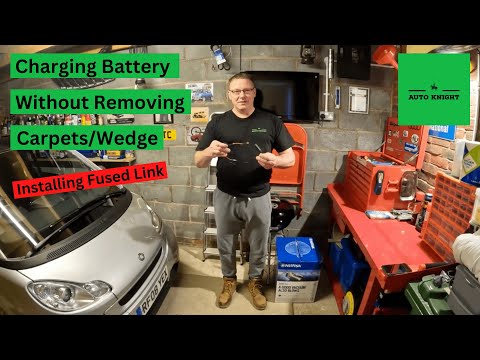
Smart
(2007-2015 /
451)
To replace the battery of the Smart 451, you need to lift up the carpet located at the base of the passenger side footwell. Once lifted, you will be …
Smart
(2007-2015 /
451)
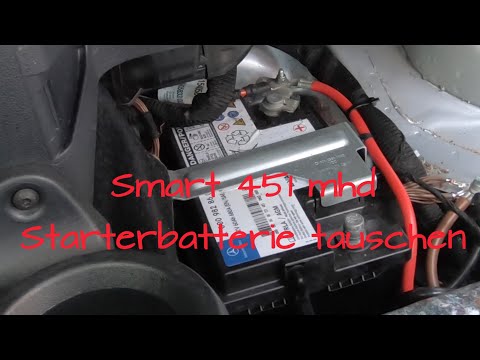
The battery replacement of the Smart 451 is carried out by accessing the passenger compartment and lifting the carpet located above the footrest comp…
Smart
(2007-2015 /
451)
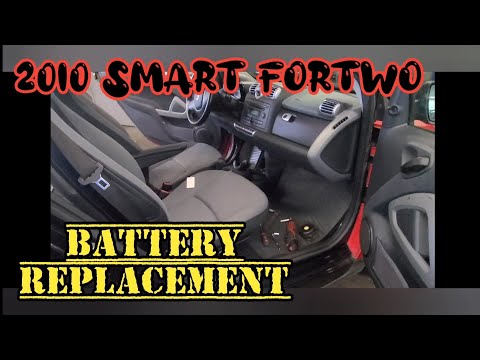
In this video we will see the steps to be able to remove and replace the engine battery on a Smart Fortwo 451. First of all, let's identify the batte…
Other guides you may be interested in
|
How to Remove the Third Brake Light from a Renault Clio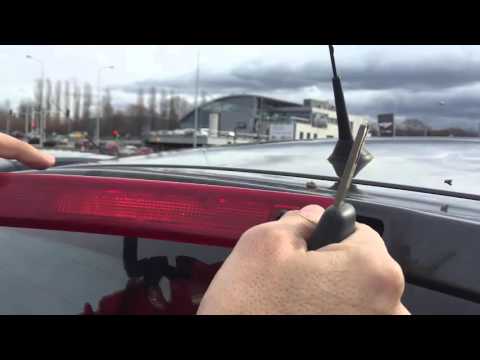
In this video, we will see how to remove the third brake light from a Renault Clio. First, open the boot lid and remove the plastic rivets with a screwdriver, then close the boot. Extract the third brake light from the metal of the boot lid using your hands. Once the piece is removed from its housing, disconnect the power connector and attach the new third brake light. After fitting the bulbs, insert the piece back into the boot lid and secure it with the plastic rivets. Finally, check the correct operation of the lights after turning on the instrument panel. by ScegliAuto More videos
|

|
For advertising on this site Write to info@scegliauto.com
ScegliAuto is not responsible for any inaccuracy of the data in the lists. To report any inaccuracy or your business (if you own the business in question), please write to info@scegliauto.com
Number of seconds to generate the page: 0.082
(c) ScegliAuto 2026 - info@scegliauto.com - Privacy policy VAT number: IT01247470535 |
