
|
Do it yourself
| |||
| ||||


How to Disable the ESP System in a Smart ForTwo?
Model: Smart Smart
450
- Years:
1998, 1999, 2000, 2001, 2002, 2003, 2004, 2005, 2006, 2007
Video tutorial
This video demonstrates how to disable the ESP system in a Smart ForTwo 450, applicable to all versions of this model. Since there is no dedicated switch, access the ODB port located in the fuse box at the lower left of the dashboard. Once located, ensure the key is not inserted, then connect pins 4 and 7 with a bridge, as shown in the video. When you next start the car, the warning light will indicate that the system has been disabled. To reactivate it, simply remove the bridge with the car off.
Updated on 5 May 2026 by ScegliAuto
Related tutorials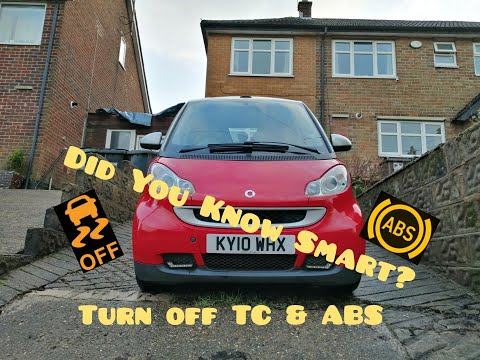
Smart
(2007-2015 /
451)
This guide briefly outlines the steps to disable the ESP system or traction control on a Smart Fortwo; it is recommended never to disable the ESP sys…
Smart
(2007-2015 /
451)
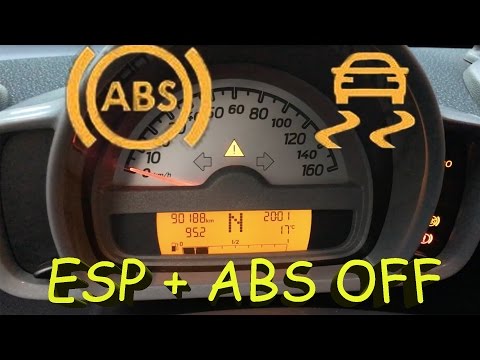
In this tutorial, you will see how to disable the ESP system in the Smart ForTwo 451. First, note that this procedure will also disable the ABS, as t…
Smart
(2007-2015 /
451)
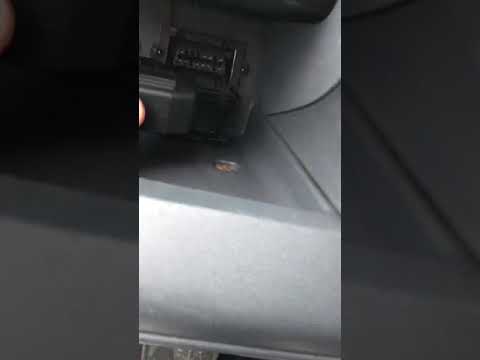
If you intend to disable the ESP system on this car model, the following description provides all the instructions and steps to follow to carry out t…
Other guides you may be interested in
|
Frequently Asked QuestionsWhere are the fuses located on the Renault Laguna?
On the Renault Laguna, the fuses are located inside the fuse boxes installed in the vehicle: in this car model, you will find two boxes for containing the fuses. The first is in the fuse box on the left side of the dashboard, accessible by opening the driver's door: here you will find the fuses for the windscreen wipers, fog lights, horn, etc. The second box is located on the right side of the engine compartment: here you will find the fuses for the dipped headlights, radiator fan, alternator, etc. by ScegliAuto More videos
|
For advertising on this site Write to info@scegliauto.com
ScegliAuto is not responsible for any inaccuracy of the data in the lists. To report any inaccuracy or your business (if you own the business in question), please write to info@scegliauto.com
Number of seconds to generate the page: 0.166
(c) ScegliAuto 2026 - info@scegliauto.com - Privacy policy VAT number: IT01247470535 |
