
|
Do it yourself
| |||
| ||||


Replacing the radio on Smart cars
Model: Smart Smart
453
- Years 2014-2022
Get a plastic wedge and remove the push-button panel located under the on-board computer, levering it into the surrounding slot. After doing this, unplug its connector. As shown in the video, now extract the touch screen frame. By doing this step you have discovered the four torx t20 screws that fix the same screen: unscrew them. Remove the on-board computer and disconnect, again, the cables behind it. To assemble the new on-board computer, all you have to do is proceed, obviously, backwards. This is a very simple operation. Hello!
Posted on 20 February 2022 by ScegliAuto
Video tutorial
Related tutorials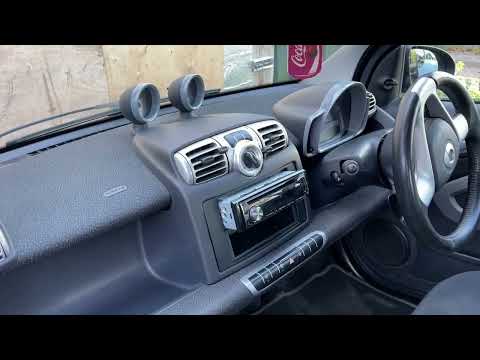
Smart
(2007-2015 /
451)
In this tutorial, we can see how to replace the car radio in the Smart ForTwo, an extremely simple and fast operation. First of all, make sure that t…
Smart
(2007-2015 /
451)
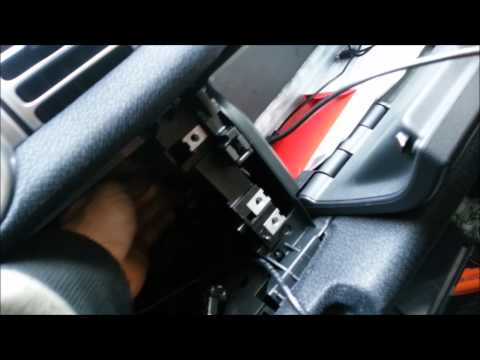
To remove the radio from the Smart car, you need to remove the control panel for the air conditioning by disconnecting the connector at the back in o…
Smart
(2007-2015 /
451)
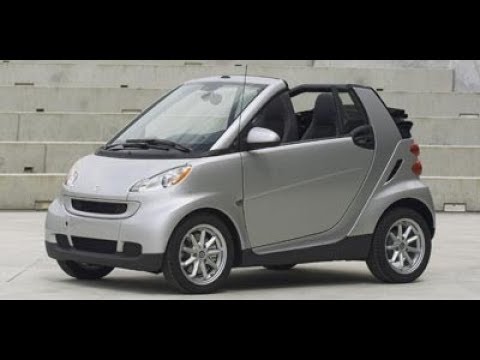
Today we will show you a very simple operation that many do not know: opening the front hood on Smart cars, an operation that occurs differently from…
Other guides you may be interested in |
How to Replace the Rear Indicator Bulb on an Audi A3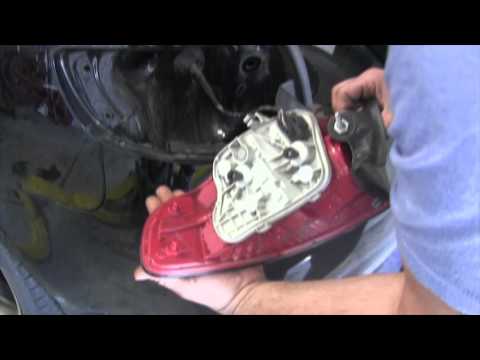
Position the car on a ramp or flat surface and immobilise it. Now, open the boot lid and, inside, corresponding to the rear light where you want to replace the indicator bulb, remove the small plastic cover using a screwdriver. Inside the hole, you will find a bolt (to be removed with a flat screwdriver); once this is undone, you can remove the entire rear light assembly. After this, proceed to remove the part inside the light assembly by unscrewing the 2 small bolts, as shown in the images. In the part you just removed, all the bulbs of the light are mounted. To replace them, simply remove them from their sockets and fit the new ones. To reassemble the entire unit, repeat all the steps shown in the images in reverse order. by ScegliAuto More videos
|

|
For advertising on this site Write to info@scegliauto.com
ScegliAuto is not responsible for any inaccuracy of the data in the lists. To report any inaccuracy or your business (if you own the business in question), please write to info@scegliauto.com
Number of seconds to generate the page: 0.047
(c) ScegliAuto 2026 - info@scegliauto.com - Privacy policy VAT number: IT01247470535 |
