
|
Do it yourself
| |||
| ||||


Smart Fortwo rear light bulb replacement
Model: Smart Smart
451
- Years 2007-2015
Let's see in this short guide how to remove and replace the Smart Fortwo taillight bulbs, following the instructions below. First we open the rear door and start by removing the side plastic cover; after which we disconnect the electrical connector of the light bulbs, then extracting the entire socket, as shown in the video. At this point we replace any faulty bulbs with new ones, of the right type; insert them correctly on the bulb holder and reassemble the rear light unit again!
Posted on 8 March 2022 by ScegliAuto
Video tutorial
Related tutorials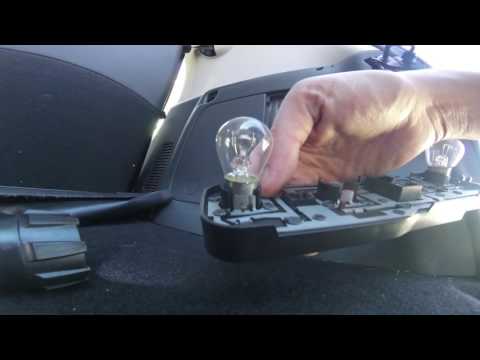
Smart
(2014-2022 /
453)
How do I remove the rear light bulb on a Smart Fortwo? Let's see the replacement of the damaged piece. We remove the plastic panel covering the rear …
Smart
(2007-2015 /
451)
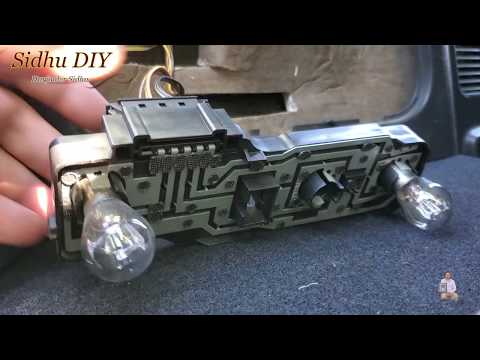
In this video tutorial we will see how to remove and replace the rear light bulb of a Smart Fortwo. First we open the trunk lid and we go to remove t…

Smart
(2007-2015 /
451)
Today we will discover the instructions that will allow us to disassemble and replace the third brake light bulb of the Smart Fortwo in simple steps.…
Other guides you may be interested in
|
How to Replace the Front Headlamp Bulb on a Citroen DS3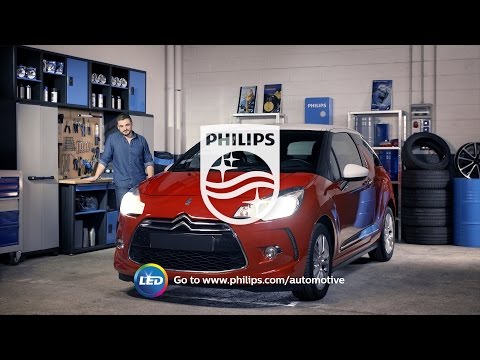
Prepare the necessary tools as indicated in the video and then proceed to release the bonnet from the designated lever and lift it to secure it with the appropriate prop. Now locate the back of the headlamp to remove the protective cover that covers each individual bulb position. Then extract the bulb in question and disconnect it from the connector. Install the new bulb, and you're done. Of course, repeat the operations for each bulb that needs replacing, then retrace the steps described for reassembling the various components. by ScegliAuto More videos
|

|
For advertising on this site Write to info@scegliauto.com
ScegliAuto is not responsible for any inaccuracy of the data in the lists. To report any inaccuracy or your business (if you own the business in question), please write to info@scegliauto.com
Number of seconds to generate the page: 0.066
(c) ScegliAuto 2026 - info@scegliauto.com - Privacy policy VAT number: IT01247470535 |
