
|
Do it yourself
| |||
| ||||


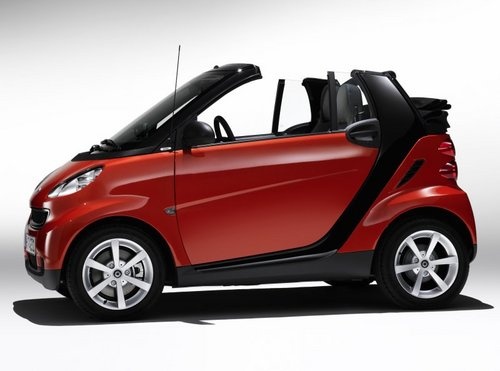
How to Replace the Interior Bulb of the Smart Fortwo 451
Model: Smart Smart
451
- Years:
2007, 2008, 2009, 2010, 2011, 2012, 2013, 2014, 2015
Video tutorial
To change the ceiling light bulb of the Smart Fortwo 451 at the rear, use a small flathead screwdriver or a small knife to lever off the passenger side of the ceiling light. Once removed, unclip the front tab to take out the lens of the ceiling light. With the lens removed, you can take out the bulb by gently pushing it either from the left side to the right or vice versa. After removing the old bulb, take the new bulb out of its packaging and insert it in place of the old bulb in the same way it was removed. Then, refit the lens onto the ceiling light and reinstall the ceiling light itself in the reverse order of disassembly. Once everything is reassembled, check the operation of the new bulb.
Updated on 19 June 2026 by ScegliAuto
Related tutorials
Smart
(2007-2015 /
451)
Replacing a headlight bulb on the Smart Fortwo 451 does not necessarily require going to a workshop, as it only takes a few minutes for the job to be…
Smart
(2007-2015 /
451)
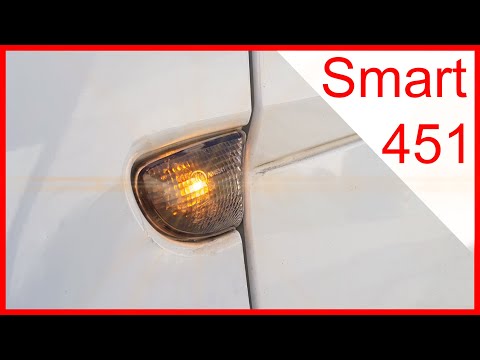
Before you begin, exit your Smart ForTwo and head to the side indicator. Start by inserting the tip of a flathead screwdriver into the gap between th…

Smart
(2007-2015 /
451)
In today’s video, see how to remove and replace the front headlamp bulb on a Smart Fortwo 451, following the instructions below. First, remove the fr…
Other guides you may be interested in |
How to reset the tyre pressure warning light on the Kia Niro EV?
To reset the tyre pressure warning light on the Kia Niro EV, inflate the tyres until they reach the correct pressure value. This value is indicated on the sticker attached to the driver's door pillar. Once the tyres are inflated, turn on the instrument cluster to check that the warning light has completely disappeared from the display. If it is still present, you may need to drive for a few miles to ensure it disappears completely from the screen. by ScegliAuto More videos
|
|
For advertising on this site Write to info@scegliauto.com
ScegliAuto is not responsible for any inaccuracy of the data in the lists. To report any inaccuracy or your business (if you own the business in question), please write to info@scegliauto.com
Number of seconds to generate the page: 0.158
(c) ScegliAuto 2026 - info@scegliauto.com - Privacy policy VAT number: IT01247470535 |
