
|
Do it yourself
| |||
| ||||


Disassembly of the rear bumper of the Smart Fortwo
Model: Smart Smart
450
- Years 1998-2007
Let's see below the step-by-step instructions that will allow us to disassemble and replace the rear bumper of the Smart Fortwo. First, we open the rear hatch and start unscrewing the fixing screws that we find on both sides of the rear fenders; we also find screws under the rear bumper and between the hatch and the bumper itself, as shown in the video. At this point, we start detaching the bumper on the sides until we remove it completely; then, we replace and install the new rear bumper, applying the reverse process of disassembly!
Posted on 21 October 2023 by ScegliAuto
Video tutorial
Related tutorials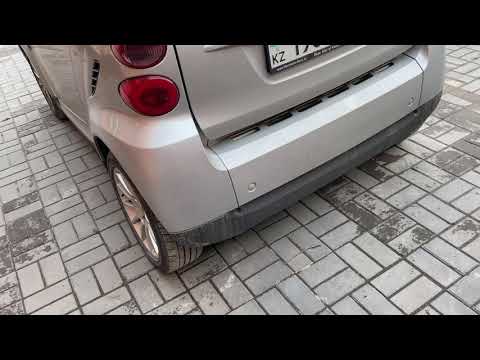
Smart
(2007-2015 /
451)
Before we begin, we will need to open the tailgate of the luggage compartment of our Smart ForTwo. So let's start by unscrewing and removing the scre…
Smart
(2014-2022 /
453)
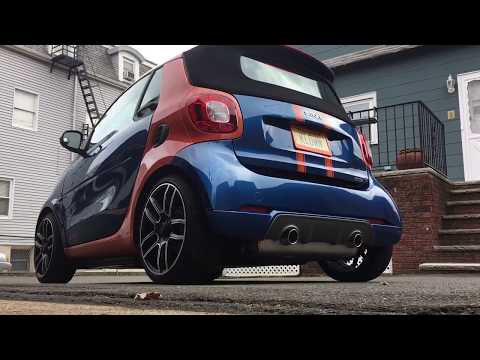
Let's see in this video the main instructions to be able to remove the rear bumper on a Smart Fortwo 453, in simple and quick steps. First we are goi…

Smart
(1998-2007 /
450)
The following steps will show us how to disassemble and remove the bumpers (front and rear) of the Smart Fortwo. Let's start by disassembling the rea…
Other guides you may be interested in
|
How to Remove the Air Fan from a Nissan Juke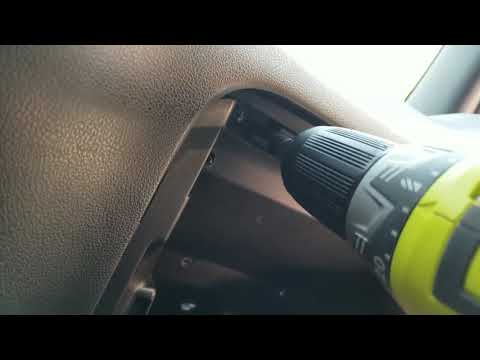
Learn how to remove the air fan from a Nissan Juke. Open the glove compartment and disconnect the end stop brackets, then unscrew the securing screws with a screwdriver. Unscrew the side screws in the glove compartment and remove the plastic door. Unscrew the screws again, and after disconnecting the power wires, pull the glove compartment out from the dashboard. Remove the fan after disconnecting the power wires. Clean the fan as necessary (disassemble the fan and its parts). Finally, reinstall the previously removed fan (new fan) and all its components under the glove compartment. by ScegliAuto More videos
|
|
For advertising on this site Write to info@scegliauto.com
ScegliAuto is not responsible for any inaccuracy of the data in the lists. To report any inaccuracy or your business (if you own the business in question), please write to info@scegliauto.com
Number of seconds to generate the page: 0.047
(c) ScegliAuto 2026 - info@scegliauto.com - Privacy policy VAT number: IT01247470535 |
