
|
Do it yourself
| |||
| ||||


How to Reset the TPMS Light on the Smart 453
Model: Smart Smart
453
- Years 2014-2022
Resetting the TPMS light on the Smart model 453 must only be done after completing the tyre pressure adjustment operations. The steps to perform are: 1) turn on the instrument cluster; 2) press the up arrow button located to the left of the steering wheel to access the menu; 3) select the "Settings" option; 4) select the "Tyre Pressure Monitoring" option; 5) select the "OK" button on the steering wheel; Conclude by returning to the main menu and then turning off the vehicle and restarting it to confirm the success of the TPMS light reset.
Updated on 26 August 2026 by ScegliAuto
Video tutorial
Related tutorials
Smart
(2014-2022 /
453)
To be able to find the OBD port located in the interior of your Smart 453, you must follow the few simple steps described in this new guide addressed…
Smart
(2014-2022 /
453)
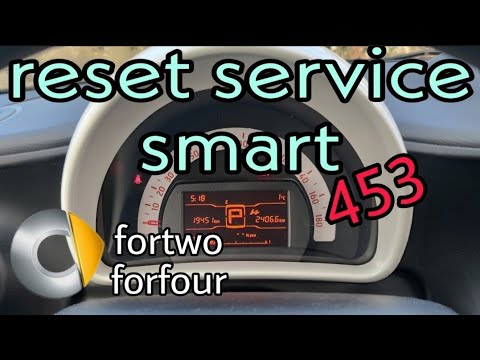
In this video tutorial, discover how to reset the service light for routine maintenance of the oil change on a Smart Fortwo 453, third series. First,…
Smart
(2014-2022 /
453)
To replace the windscreen of the Smart 453, use a tool to lever in the groove between the windscreen and its housing. This will allow you to detach t…
Other guides you may be interested in
|
How to Adjust the Brightness of the Instrument Cluster on a Peugeot 3008?
To adjust the brightness of the instrument cluster on a Peugeot 3008, you need to turn on the ignition and access the settings via the menu located in the central area of the dashboard. In the screen that appears, select the "Display Configuration" option: now, by selecting the "Brightness" option, you can adjust it using the dedicated slider that will appear on the screen. The adjustment should be made with the headlights on as well as with them off. Once the adjustment is complete, you can turn off the instrument cluster. by ScegliAuto More videos
|
|
For advertising on this site Write to info@scegliauto.com
ScegliAuto is not responsible for any inaccuracy of the data in the lists. To report any inaccuracy or your business (if you own the business in question), please write to info@scegliauto.com
Number of seconds to generate the page: 0.072
(c) ScegliAuto 2026 - info@scegliauto.com - Privacy policy VAT number: IT01247470535 |
