
|
Do it yourself
| |||
| ||||


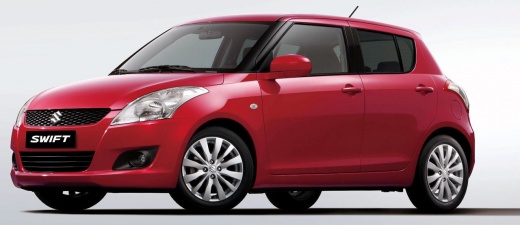
How to switch from Japanese to English on the Clarion NX702 car radio of a Suzuki Swift
Model: Suzuki Swift
AZG, MK 5, Rs41
- Years:
2010, 2011, 2012, 2013, 2014, 2015, 2016, 2017
Video tutorial
In this video we can see how to get out of a predicament that seems truly unsolvable, that is, how to switch from the original setting of the car radio in Japanese to a comprehensible language. We turn on our car radio, which greets us with ideograms, press the "map" button located at the bottom left, then press the central button on the screen and then the central button of the three virtual ones on the multimedia screen. We press the word "custom" (in Latin characters) on the left side of the screen, and then the central button of the icon at the top left. A screen with ideogram writings will open and we will have to press the button at the top right, then again the button at the top right (which will have transformed in the meantime) and then the smaller button located in the same rectangle, at the bottom left. A window will open and we will press the button on the left and there you have it, the display is now in English.
Posted on 3 January 2025 by ScegliAuto
Related tutorials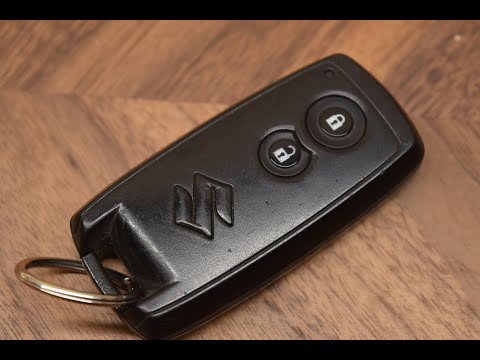
Suzuki Swift
(2004-2010 /
MK 4, Rs41)
In today's video, you will see how to replace the remote battery of the Suzuki Swift. This tutorial also applies to other contemporaneous models from…

Suzuki Swift
(2004-2010 /
MK 4, Rs41)
If you own a Suzuki Swift and are wondering how you can replace the cabin air filter yourself, then all you have to do is read the following guide an…
Suzuki Swift
(2010-2017 /
AZG, MK 5, Rs41)
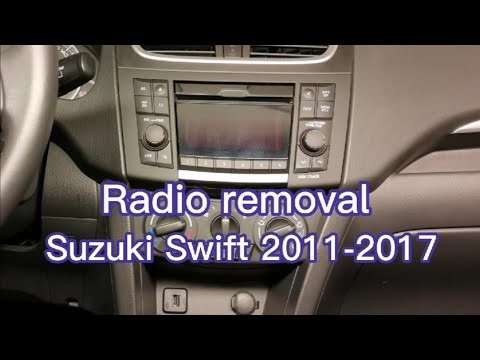
Before starting, sit in the driver's seat of your Suzuki Swift. Begin by prying and removing the air vents using a thin but sturdy tool. Next, remove…
Other guides you may be interested in |
How to reset the tyre pressure warning light on the Kia Niro EV?
To reset the tyre pressure warning light on the Kia Niro EV, inflate the tyres until they reach the correct pressure value. This value is indicated on the sticker attached to the driver's door pillar. Once the tyres are inflated, turn on the instrument cluster to check that the warning light has completely disappeared from the display. If it is still present, you may need to drive for a few miles to ensure it disappears completely from the screen. by ScegliAuto More videos
|
|
For advertising on this site Write to info@scegliauto.com
ScegliAuto is not responsible for any inaccuracy of the data in the lists. To report any inaccuracy or your business (if you own the business in question), please write to info@scegliauto.com
Number of seconds to generate the page: 0.205
(c) ScegliAuto 2026 - info@scegliauto.com - Privacy policy VAT number: IT01247470535 |
