
|
Do it yourself
| |||
| ||||


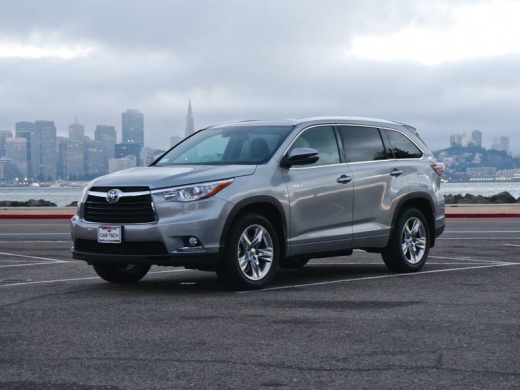
How to replace the battery of the Toyota Highlander
Model: Toyota Highlander
Xu50
- Years:
2014, 2015, 2016, 2017, 2018, 2019
Video tutorial
These short and simple steps will show us how to disassemble and replace the 12V battery of the Toyota Highlander, following these simple instructions. First, we open the hood of the car and start unscrewing the screws of the central bracket of the battery; then we disconnect both electrical connectors (positive and negative poles), as shown in the video. At this point, we remove the battery from its compartment and replace it with the new one, of the correct type and with the same amperage; we install and connect the battery, then verify the engine ignition.
Posted on 21 December 2024 by ScegliAuto
Related tutorials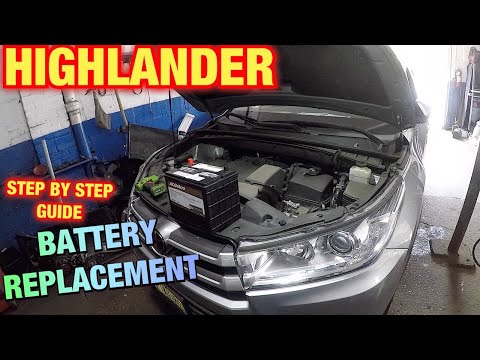
Toyota Highlander
(2014-2019 /
Xu50)
Let’s briefly go through the instructions on how to remove and replace the battery of the Toyota Highlander in simple and quick steps. First, open th…

Toyota Highlander
(2020-2026 /
Xu70)
In this guide, we will see the instructions that will allow you to remove and replace the 12V battery on a Toyota Highlander. First, open the rear ta…

Toyota Highlander
(2014-2019 /
Xu50)
Follow this brief and simple guide to remove and replace the battery of the Toyota Highlander Xu50, following the instructions below. First, open the…
Other guides you may be interested in
|
How to Open the Bonnet on the Mitsubishi L200?
In this tutorial, you will see how to open the bonnet on the Mitsubishi L200, a very simple operation that follows the standard procedure. First, open the vehicle and go to the driver's side, then locate the lever at the lower outer area, just in front of the pedals, and pull it. Next, position yourself in front of the bonnet, locate the second lever above the Mitsubishi logo, and push it to the right, releasing the latch. At this point, you can fully lift the bonnet and secure it with the prop rod. by ScegliAuto More videos
|
|
For advertising on this site Write to info@scegliauto.com
ScegliAuto is not responsible for any inaccuracy of the data in the lists. To report any inaccuracy or your business (if you own the business in question), please write to info@scegliauto.com
Number of seconds to generate the page: 0.068
(c) ScegliAuto 2026 - info@scegliauto.com - Privacy policy VAT number: IT01247470535 |
