
|
Do it yourself
| |||
| ||||


How to reset the time on a Toyota Verso
Model: Toyota Verso
MK 4
- Years 2009-2018
In this video, we see how to reset the time on a Toyota Verso: this is a 2014 model, and to do this operation, we need to use the "disp" button located on the lower side of the button panel to the right of the steering wheel. By holding the button down, the settings will appear on the screen, pressing again will move the cursor to the clock, and continuing to hold it down will scroll through the hours. Then clicking will move us to the minutes and continuing to hold down, we will also scroll through them, adjusting them. Removing your finger from the button starts a small countdown: when it reaches zero, the time is confirmed and it's done.
Posted on 21 November 2025 by ScegliAuto
Video tutorial
Related tutorials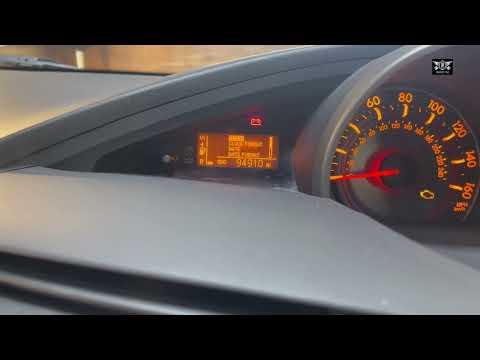
Toyota Verso
(2004-2009 /
MK 3)
In this tutorial, we will see how to set the time in the Toyota Verso, a very simple and quick operation to perform after disconnecting the battery o…

Toyota Verso
(2009-2018 /
MK 4)
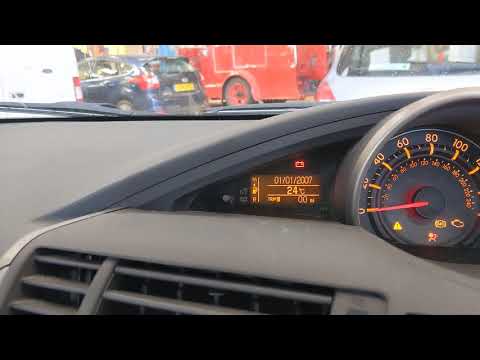
Today we will see the steps that will allow us to adjust the time on the display of the instrument panel of the Toyota Verso, as well as the Corolla.…
Toyota Verso
(2009-2018 /
MK 4)
In this tutorial, you will see how to set the time on the Toyota Verso, a very simple and quick operation to perform, for example, after a flat batte…
Other guides you may be interested in
|
How to reset the tyre pressure warning light on the Dacia Sandero?
To reset the tyre pressure warning light on the Dacia Sandero, inflate all the tyres to the pressure indicated on the label on the driver's door. Once the tyres are inflated, turn on the ignition and navigate through the menu using the controls on the right side of the steering wheel. Scroll with the arrows to find the tyre pressure option: by holding down the OK button located on the right side of the steering wheel, you can reset the warning light. by ScegliAuto More videos
|
|
For advertising on this site Write to info@scegliauto.com
ScegliAuto is not responsible for any inaccuracy of the data in the lists. To report any inaccuracy or your business (if you own the business in question), please write to info@scegliauto.com
Number of seconds to generate the page: 0.112
(c) ScegliAuto 2026 - info@scegliauto.com - Privacy policy VAT number: IT01247470535 |
