
|
Do it yourself
| |||
| ||||


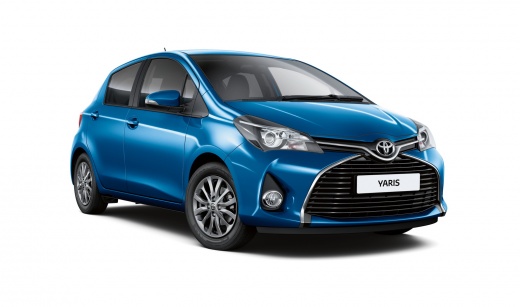
Battery Replacement on Toyota Yaris Hybrid
Model: Toyota Yaris
Xp130
- Years:
2011, 2012, 2013, 2014, 2015, 2016, 2017, 2018, 2019
Video tutorial
Remove the rear seat cushions by lifting them and then unfastening them at the front before extracting them from the back, as clearly shown in the video. This will give you access to the two batteries, the hybrid one and the standard 12 Volt one, which we will focus on. Remove the two clips from the side plastic panel and take it off. It is advisable to always disconnect the negative terminal first and then the positive. Remove the bolts from the battery bracket (you will need a 10 mm socket) and extract the battery. Reverse the process for installation, and you're done.
Updated on 17 April 2026 by ScegliAuto
Related tutorials
Toyota Yaris
(2020-2026 /
MK 4)
Unlike many Toyota models, the Hybrid Yaris places the battery inside the vehicle. The battery of the Toyota Hybrid Yaris is located within the cabin…
Toyota Yaris
(2020-2026 /
MK 4)
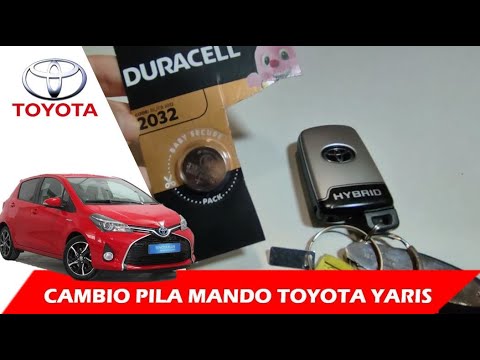
In this video, we show you what to do when the remote battery of the Toyota Yaris Hybrid is flat. First, when the remote battery is flat and you cann…
Toyota Yaris
(2020-2026 /
MK 4)
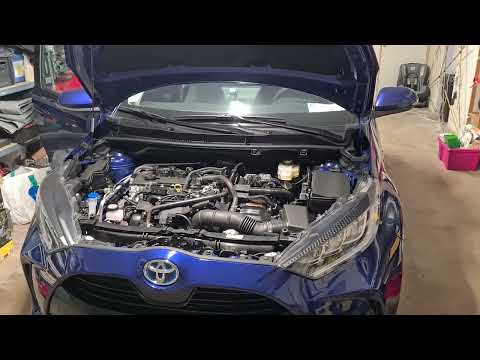
Today's guide will show you the procedure for removing and replacing the 12 Volt auxiliary battery of the Toyota Yaris, in hybrid version. First, loc…
Other guides you may be interested in
|
Frequently Asked QuestionsHow to reset the tyre pressure warning light on the Kia Niro EV?
To reset the tyre pressure warning light on the Kia Niro EV, inflate the tyres until they reach the correct pressure value. This value is indicated on the sticker attached to the driver's door pillar. Once the tyres are inflated, turn on the instrument cluster to check that the warning light has completely disappeared from the display. If it is still present, you may need to drive for a few miles to ensure it disappears completely from the screen. by ScegliAuto More videos
|
For advertising on this site Write to info@scegliauto.com
ScegliAuto is not responsible for any inaccuracy of the data in the lists. To report any inaccuracy or your business (if you own the business in question), please write to info@scegliauto.com
Number of seconds to generate the page: 0.069
(c) ScegliAuto 2026 - info@scegliauto.com - Privacy policy VAT number: IT01247470535 |
