
|
Do it yourself
| |||
| ||||


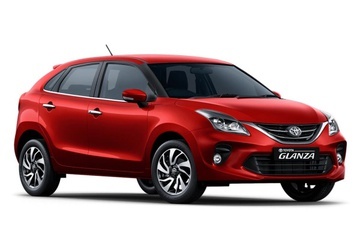
How to Manually Change the Time on a Toyota Glanza
Model: Toyota Glanza
MK 1
- Years:
2019, 2020, 2021, 2022, 2023, 2024, 2025, 2026
Video tutorial
If you have a Toyota Glanza and want to manually change the time displayed on the instrument cluster, follow these steps. First, enter the cabin, start the ignition, and press the button located on the right side of the cluster until the hour starts blinking. Next, rotate the same button clockwise to change the hour digit. To switch to minutes and change them as well, simply press and hold the button again and rotate it once more. Finally, press it one last time to save the changes.
Updated on 27 July 2026 by ScegliAuto
Related tutorials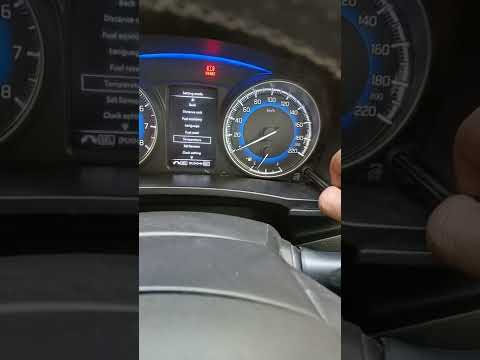
Toyota Glanza
(2019-2026 /
MK 1)
In this brief guide, learn how to adjust the clock on the instrument cluster display of the Toyota Glanza. First, get in the vehicle and turn on the …

Toyota Glanza
(2019-2026 /
MK 1)
Car wrapping is the process of applying special films to the body or interior of a car to make it unique and original, adapting it to your taste and …
Toyota Glanza
(2019-2026 /
MK 1)
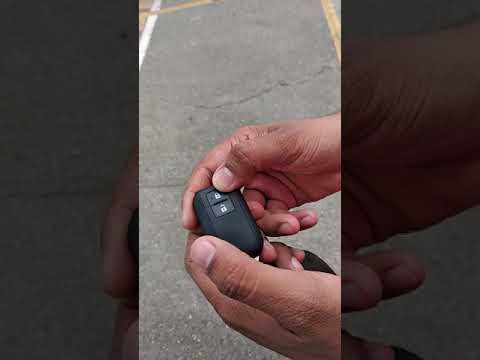
If you park your Toyota Glanza in a crowded shopping mall parking lot, and maybe your vehicle is a common color and you don't remember the section or…
Other guides you may be interested in
|
How to reset the tyre pressure warning light on the Kia Niro EV?
To reset the tyre pressure warning light on the Kia Niro EV, inflate the tyres until they reach the correct pressure value. This value is indicated on the sticker attached to the driver's door pillar. Once the tyres are inflated, turn on the instrument cluster to check that the warning light has completely disappeared from the display. If it is still present, you may need to drive for a few miles to ensure it disappears completely from the screen. by ScegliAuto More videos
|
|
For advertising on this site Write to info@scegliauto.com
ScegliAuto is not responsible for any inaccuracy of the data in the lists. To report any inaccuracy or your business (if you own the business in question), please write to info@scegliauto.com
Number of seconds to generate the page: 0.067
(c) ScegliAuto 2026 - info@scegliauto.com - Privacy policy VAT number: IT01247470535 |
