
|
Do it yourself
| |||
| ||||


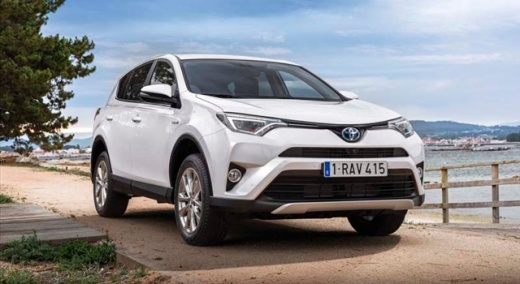
How to Reset the Tyre Warning Light on a Toyota RAV4?
Model: Toyota Rav 4
MK 4, Xa40
- Years 2013-2018
Resetting the tyre warning light on a Toyota RAV4, as shown in this tutorial, is a very simple and quick operation. Before proceeding, ensure that the correct pressure for each tyre has been restored according to the instructions in the manual. Start by entering the cabin, then turn on the ignition and locate the button depicting the warning light and the word "SET", located beneath the dashboard. Press and hold this button until the warning light disappears completely.
Updated on 24 August 2026 by ScegliAuto
Video tutorial
Related tutorials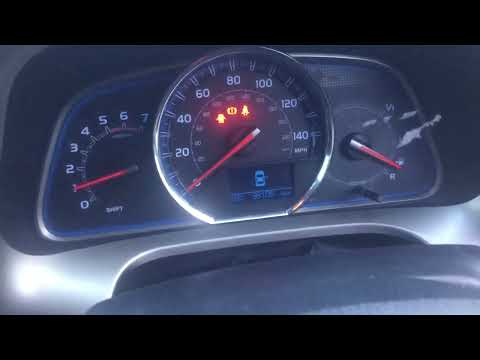
Toyota Rav 4
(2013-2018 /
MK 4, Xa40)
To manually reset the tyre warning light on your Toyota RAV4 fourth generation (2013-2018), follow these simple steps. First, enter the cabin and tur…
Toyota Rav 4
(2006-2013 /
MK 3, Xa30)
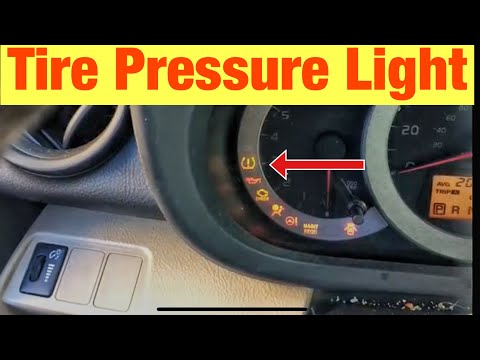
In this short and simple guide, you will learn how to reset the tyre pressure warning light (TPMS) on a Toyota RAV4. Initially, when you turn on the …
Toyota Rav 4
(2006-2013 /
MK 3, Xa30)
If the orange tyre warning light on the instrument panel of your third-generation Toyota RAV4 (2012 model) comes on, it indicates a loss of pressure …
Other guides you may be interested in
|
How to Remove the Front Bumper of the Citroën C4 Picasso?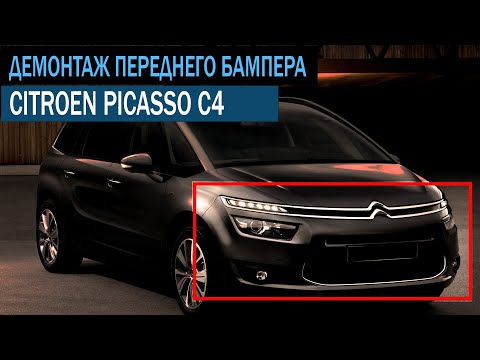
To remove the front bumper of the Citroën C4 Picasso, you need to take out all the rivets and screws that secure the piece to its housing: these screws are located inside the wheel arches of the front wheels and at the central upper part of the bumper itself. Once all these fastening elements have been removed, you can detach the bumper from its seat by disconnecting the connectors inside and then insert the new replacement part. The new part can then be secured and connected properly, ensuring it is correctly fixed in place. by ScegliAuto More videos
|
|
For advertising on this site Write to info@scegliauto.com
ScegliAuto is not responsible for any inaccuracy of the data in the lists. To report any inaccuracy or your business (if you own the business in question), please write to info@scegliauto.com
Number of seconds to generate the page: 0.066
(c) ScegliAuto 2026 - info@scegliauto.com - Privacy policy VAT number: IT01247470535 |
