
|
Do it yourself
| |||
| ||||


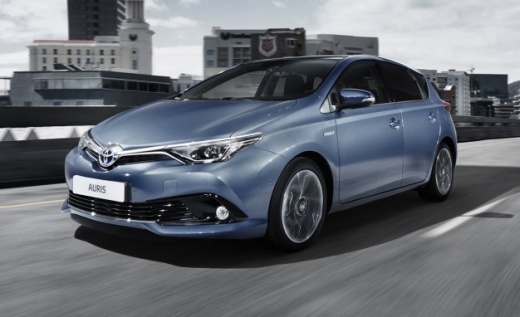
How to Reset the Tyre Pressure Light on a Toyota Auris?
Model: Toyota Auris
E180
- Years 2012-2018
To reset the tyre pressure light on the Toyota Auris, inflate the tyres to the recommended pressure value, which is indicated on the sticker affixed to the driver’s door pillar or in the vehicle's user manual. Once the tyres are inflated, turn on the ignition and open the glove compartment. In the upper left part of the compartment, locate the SET button, which must be pressed and held until the light disappears.
Updated on 1 September 2026 by ScegliAuto
Video tutorial
Related tutorials
Toyota Auris
(2012-2018 /
E180)
If the tire pressure warning light on the instrument panel of your 2017 Toyota Auris continues to illuminate despite there being no puncture, then yo…

Toyota Auris
(2012-2018 /
E180)
Resetting the tire pressure light in the Toyota Auris, as we can see in this tutorial, is an extremely simple and quick operation. Before proceeding,…

Toyota Auris
(2012-2018 /
E180)
On the dashboard of the Toyota Auris Hybrid, the tire pressure warning light can be reset by first inflating all tires until they are brought back to…
Other guides you may be interested in
|
How to reset the tyre pressure warning light on the Dacia Sandero?
To reset the tyre pressure warning light on the Dacia Sandero, inflate all the tyres to the pressure indicated on the label on the driver's door. Once the tyres are inflated, turn on the ignition and navigate through the menu using the controls on the right side of the steering wheel. Scroll with the arrows to find the tyre pressure option: by holding down the OK button located on the right side of the steering wheel, you can reset the warning light. by ScegliAuto More videos
|
|
For advertising on this site Write to info@scegliauto.com
ScegliAuto is not responsible for any inaccuracy of the data in the lists. To report any inaccuracy or your business (if you own the business in question), please write to info@scegliauto.com
Number of seconds to generate the page: 0.591
(c) ScegliAuto 2026 - info@scegliauto.com - Privacy policy VAT number: IT01247470535 |
