
|
Do it yourself
| |||
| ||||


Replacement of the Toyota Auris key remote battery
Model: Toyota Auris
E180
- Years 2012-2018
Let's discover the process that will show us how to disassemble and replace the battery of the remote control key of the Toyota Auris. First, we take our remote control and start removing the plastic cover found on the back of the key, levering on the sides with something thin and pointed (like a flathead screwdriver); then we remove the battery found inside, as shown in the video. Now we install the new battery, with the code CR 2032, 3V; we insert it in the correct direction and then close the remote control again, testing the functioning of the commands!
Posted on 14 August 2024 by ScegliAuto
This video is currently unavailable
Related tutorials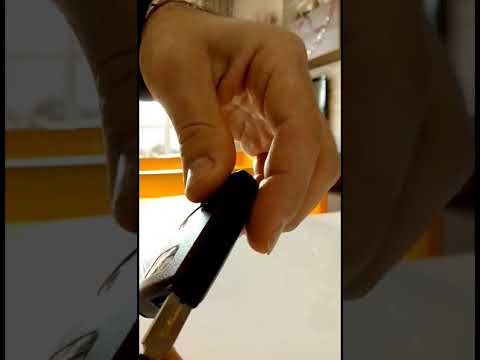
Toyota Auris
(2012-2018 /
E180)
Replacing the battery of the Toyota Auris remote key is very simple. Follow these steps in this tutorial. For this operation, you do not need any too…
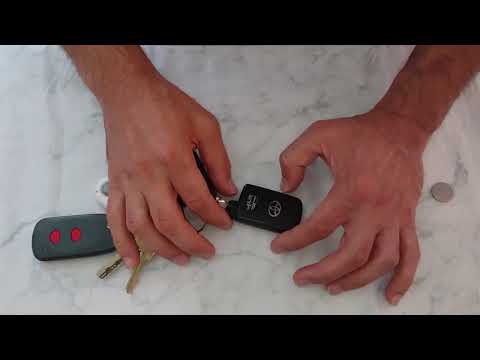
Toyota Auris
(2007-2012 /
E150)
To replace the remote battery on a Toyota Auris, extract the key from the top of the device by pressing the button that allows extraction. Once the k…
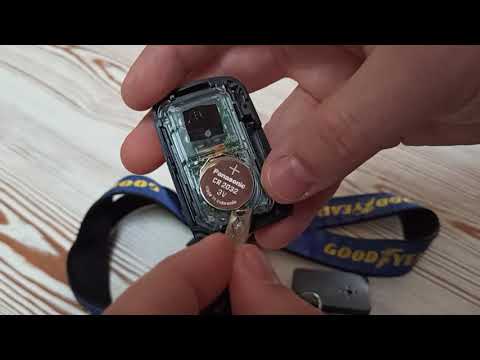
Toyota Auris
(2007-2012 /
E150)
To replace the battery of the Toyota Auris remote control, press the button that allows you to extract the key from its housing. Using the key itself…
Other guides you may be interested in
|
Fuses Location and Diagram for the Volkswagen Crafter
In this guide, we will look at the location of the fuse boxes and how to find their diagram for the Volkswagen Crafter. First, get inside the vehicle and start by removing the plastic cover found under the steering wheel, to access the internal fuse box; you will find another fuse box in the engine compartment by removing the plastic cover located next to the battery. At this point, use the owner's manual to find the fuse diagram, which will allow you to identify and replace any blown fuses with new ones! by ScegliAuto More videos
|
|
For advertising on this site Write to info@scegliauto.com
ScegliAuto is not responsible for any inaccuracy of the data in the lists. To report any inaccuracy or your business (if you own the business in question), please write to info@scegliauto.com
Number of seconds to generate the page: 0.363
(c) ScegliAuto 2026 - info@scegliauto.com - Privacy policy VAT number: IT01247470535 |
