
|
Do it yourself
| |||
| ||||


How to Reset the OBD2 Service
Model: (Various brands) Various
To reset the OBD2, you need to use the "icarsoft FT II" kit. Connect the kit to the vehicle with the engine running via the diagnostic port and press OK on "diagnosis", click on the car brand and scroll with the arrows to "oil lamp", press "OK" and wait until the indication "Switch on ignition" appears. Press "OK" again and select "software reset", then locate the vehicle model and click "OK" multiple times until all service information is cleared. Go back in the dropdown menu on the kit and turn off the engine.
Updated on 21 June 2026 by ScegliAuto
Video tutorial
Related tutorials
(Various brands) Various
In this video tutorial, you can see how to reset car ECU errors using the ELM 327 - OBD2 device from Android, a procedure that can be performed even …

(Various brands) Various
(2011-2023 /
)
To reset the service light on a Fiat using the Multiecuscan software (formerly known as FiatECUScan), follow these steps: Ensure you have a compatibl…
(Various brands) Various
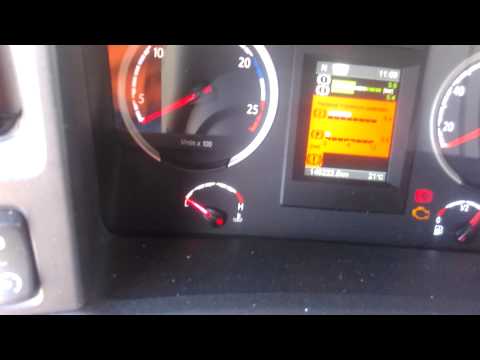
The AdBlue warning light typically illuminates when it is necessary to top up the fluid in the tank; however, it can also light up due to a decoding …
Other guides you may be interested in
|
Frequently Asked QuestionsHow to Reset the Tyre Pressure Warning Light on the Hyundai Tucson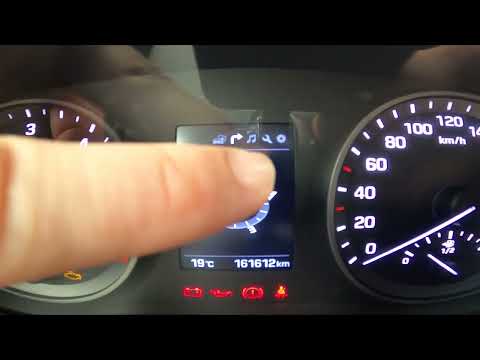
Today, we will discover the instructions that will allow you to reset the tyre pressure warning light (TPMS) on the Hyundai Tucson; before performing the reset, ensure that all four tyres are at the correct operating pressure. Then, get in the vehicle and start the ignition; next, navigate to the onboard computer settings using the controls on the steering wheel until you reach the tyre pressure monitoring section, as shown in the video. At this point, confirm and execute the reset of the TPMS warning light! by ScegliAuto More videos
|
|
For advertising on this site Write to info@scegliauto.com
ScegliAuto is not responsible for any inaccuracy of the data in the lists. To report any inaccuracy or your business (if you own the business in question), please write to info@scegliauto.com
Number of seconds to generate the page: 0.742
(c) ScegliAuto 2026 - info@scegliauto.com - Privacy policy VAT number: IT01247470535 |
