
|
Do it yourself
| |||
| ||||


How to reset the maintenance light on the Range Rover Sport
Model: (Various brands) Various
Video tutorial
This video shows how to reset the maintenance light on the 2013 Range Rover Sport. The procedure is very simple and quick. To reset the light, first open the bonnet, then get in the car and start the instrument cluster. Once the cluster is started, open the driver's door, keeping the bonnet and door open, turn off the car, and start the cluster while simultaneously pressing the brake and accelerator pedals. Once the cluster has started, hold the pedals down for 10 seconds, then turn off the cluster, release the pedals, close the door, and start the car to check that the procedure was successful.
Updated on 19 August 2026 by ScegliAuto
Related tutorials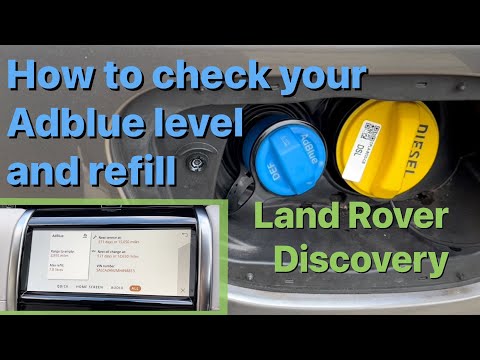
(Various brands) Various
(2017-2023 /
)
This video tutorial shows how to check the AdBlue level in the Land Rover Discovery Sport and how to top up the AdBlue tank. To view the AdBlue level…

(Various brands) Various
In most cases, people use the Eco mode and Sport mode incorrectly, and this video shows us how: in fact, the Eco mode indicates a mode that should he…

(Various brands) Various
Let’s see how to use a multimeter, always following this order; select the measurement type (voltage/current/resistance); the type (AC or DC) and the…
Other guides you may be interested in
|
Frequently Asked QuestionsHow to open the boot if it is stuck on a Mercedes B-Class?
On the Mercedes B-Class, the boot may become stuck, possibly due to a problem with the control button or the lock actuator. In this case, perform the emergency opening by following the simple procedure shown in this tutorial. First, unlock the locks with the remote control, then open the rear doors and, by operating the indicated lever, lower the backrest of the seat. Next, go inside the boot, locate the indicated gap, and manually unlock the lock using a small screwdriver. by ScegliAuto More videos
|
|
For advertising on this site Write to info@scegliauto.com
ScegliAuto is not responsible for any inaccuracy of the data in the lists. To report any inaccuracy or your business (if you own the business in question), please write to info@scegliauto.com
Number of seconds to generate the page: 0.053
(c) ScegliAuto 2026 - info@scegliauto.com - Privacy policy VAT number: IT01247470535 |
