
|
Do it yourself
| |||
| ||||


How to reset the Polaris Ride navigator?
Model: (Various brands) Various
Video tutorial
To reset the satellite navigator, stuck on a trail of the Polaris Ride, you need to press and hold the central button while you are driving. This will trigger a reset of the onboard computer, causing the navigator to shut down abruptly and then restart. Sometimes it may happen that upon restarting, a system update is required. Performing only the update without the reset does not resolve the issue. This operation can be performed multiple times, but if this happens very often during a week, it will be necessary to consult a workshop.
Updated on 20 September 2026 by ScegliAuto
Related tutorials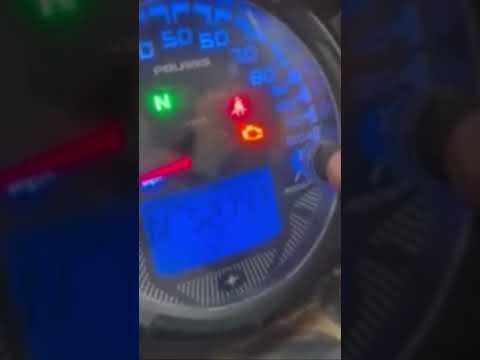
(Various brands) Various
To correctly complete the manual reset of the maintenance light that appears on the dashboard of your Polaris Ranger, follow the steps described belo…

(Various brands) Various
If the battery of your Polaris Sportsman 570 is too old and you want to learn how to replace it quickly and safely, read this guide carefully and fol…
(Various brands) Various
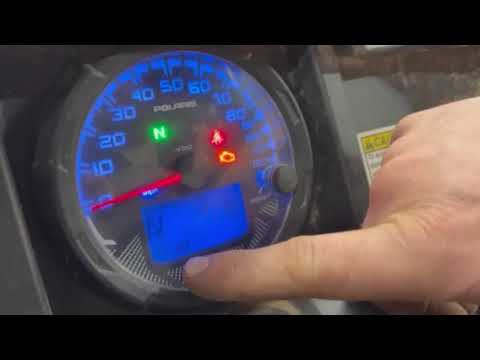
If the maintenance light with a small spanner icon appears on the dashboard of your Polaris RZR Ranger 1000 and you want to know how to reset it manu…
Other guides you may be interested in
|
Frequently Asked QuestionsHow to Set the Clock on a Renault Master 3
This guide shows you how to set a new time on a Renault Master 3. Start by turning on the instrument cluster of the vehicle without starting the engine. Next, using the end of the right-hand steering column stalk, scroll through the options on the display until you reach 'set time', then press the down arrow button to make the displayed time blink. Once this is done, press and hold the down arrow button to change the hour, which you can adjust using the two arrow buttons at the end of the stalk. Once the correct hour is set, press and hold the down arrow button again to move to the minutes. After setting the correct time, restart the vehicle. by ScegliAuto More videos
|
|
For advertising on this site Write to info@scegliauto.com
ScegliAuto is not responsible for any inaccuracy of the data in the lists. To report any inaccuracy or your business (if you own the business in question), please write to info@scegliauto.com
Number of seconds to generate the page: 0.039
(c) ScegliAuto 2026 - info@scegliauto.com - Privacy policy VAT number: IT01247470535 |
