
|
Do it yourself
| |||
| ||||


How to replace the battery of a Volkswagen Golf key?
Model: Volkswagen Golf
Golf VII, MK 7, Golf 7
- Years 2012-2019
To replace the battery of a Volkswagen Golf key, start by holding down the button to extract the physical key, which will give you access to the battery compartment. Once the key is extracted, locate the small indentation on the edge of the remote: gently insert a flathead screwdriver or similar object and pry open the key shell. By separating the two halves of the key, you will notice the battery housed on one side. Carefully remove the old battery, noting its polarity and type (usually a CR2032) to ensure it is replaced correctly. Insert the new battery in the same orientation as the previous one, making sure it is securely in place to prevent it from moving or disconnecting. At this point, close the key shell, pressing until you hear a click confirming the two halves are engaged. Reinsert the physical key into its position, and try using the remote to make sure it functions properly. The battery replacement should restore all key functions without the need for further programming.
Posted on 29 October 2024 by ScegliAuto
Video tutorial
Related tutorials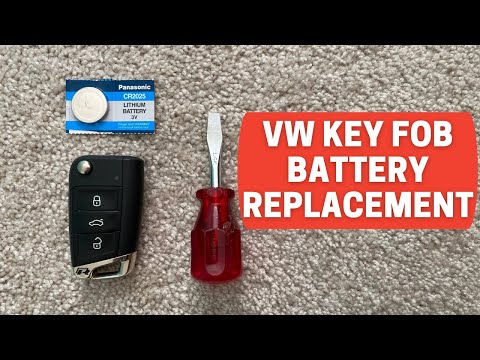
Volkswagen Golf
(2012-2019 /
Golf VII, MK 7, Golf 7)
Start by pressing the button located on the back of the key fob for your Volkswagen Golf to open the physical key. Then, using a flathead screwdriver…
Volkswagen Golf
(1997-2003 /
Golf IV, MK 4, Golf 4)
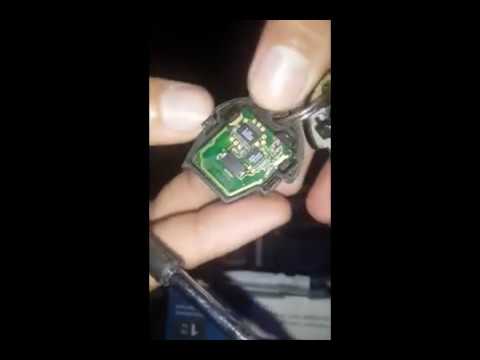
When the key remote no longer seems to receive commands, it is likely that its battery is dead; here’s how to replace the key battery of the Volkswag…
Volkswagen Golf
(2012-2019 /
Golf VII, MK 7, Golf 7)
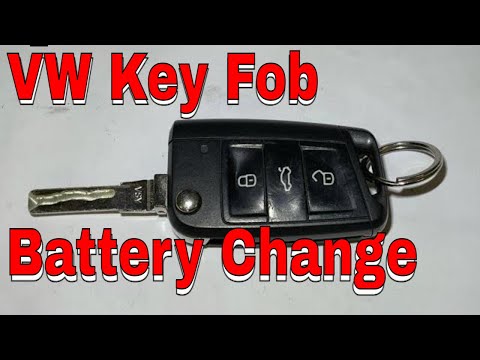
Start by pressing the button located on the top side of the electric key of your Volkswagen Golf, which will open the physical key. Next, using a thi…
Other guides you may be interested in
|
How to Reset the Tyre Pressure Light on the Opel Grandland X
While driving, if you notice the tyre pressure warning light coming on, first check the actual inflation pressure of the tyres and, if necessary, restore the pressures recommended by the manufacturer. After restoring the correct pressures, you need to reset the warning light that has illuminated on the instrument cluster. To do this, locate the reset button on the lower central console. Press this button and hold it down for at least 3 seconds, after which the low pressure indication will turn off. by ScegliAuto More videos
|

|
For advertising on this site Write to info@scegliauto.com
ScegliAuto is not responsible for any inaccuracy of the data in the lists. To report any inaccuracy or your business (if you own the business in question), please write to info@scegliauto.com
Number of seconds to generate the page: 0.154
(c) ScegliAuto 2026 - info@scegliauto.com - Privacy policy VAT number: IT01247470535 |
