
|
Do it yourself
| |||
| ||||


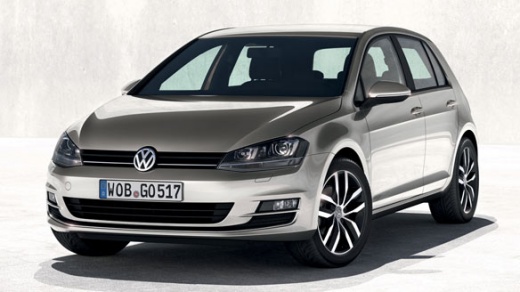
Replacing the Rear Brake Pads on a Volkswagen Golf VII
Model: Volkswagen Golf
Golf VII, MK 7, Golf 7
- Years:
2012, 2013, 2014, 2015, 2016, 2017, 2018, 2019
Video tutorial
To replace the rear brake pads on a Volkswagen Golf, first open the brake fluid reservoir, lift the car, and remove the wheel. Clean the surfaces near the calipers and unscrew them using a combination of a 31mm and a 17mm spanner, slide the caliper off and hang it on the suspension. Remove the old pads, clean the inside of the caliper, and using the appropriate tool, retract the piston. Insert the new pads after applying a thin layer of grease to the ends, reposition the caliper, and tighten the caliper bolts with the two spanners, finally securing with a torque wrench set to 35Nm. Refit the wheel, repeat the process on the other wheel, lower the car, and close the reservoir.
Updated on 4 November 2026 by ScegliAuto
Related tutorials
Volkswagen Golf
(2012-2019 /
Golf VII, MK 7, Golf 7)
Follow the steps to remove and replace the rear brake pads on a Volkswagen Golf as outlined below. First, raise the vehicle; then, undo the bolts sec…
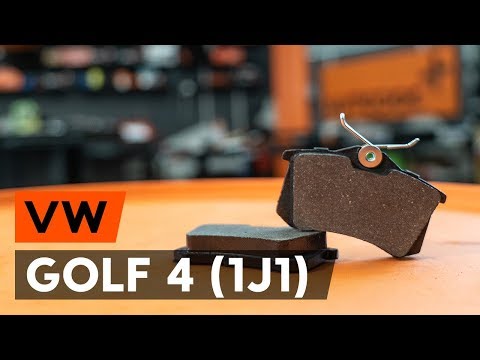
Volkswagen Golf
(1997-2003 /
Golf IV, MK 4, Golf 4)
This brief video tutorial shows how to replace the rear brake pads on a fourth-generation Volkswagen, produced from 1997 to 2003. Start by lifting th…
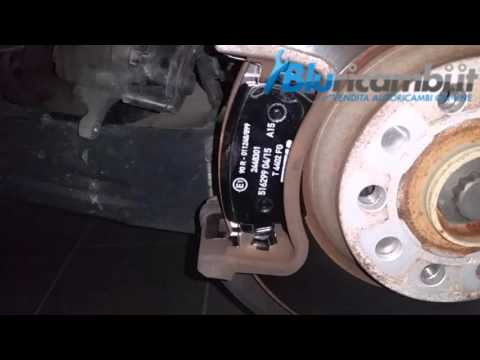
Volkswagen Golf
(2012-2019 /
Golf VII, MK 7, Golf 7)
Let's see how to replace the rear brake pads on a Volkswagen Golf Mk7. Lift the car with a column lift (to the desired height), then remove the wheel…
ScegliAuto offers an extensive international collection of automotive tutorials available in 12 languages. Each guide combines instructional videos with original explanations written by experienced human editors, along with information about the car models covered.
Other guides you may be interested in
|
How to Reset the Trip Meter on the Volkswagen T-Roc?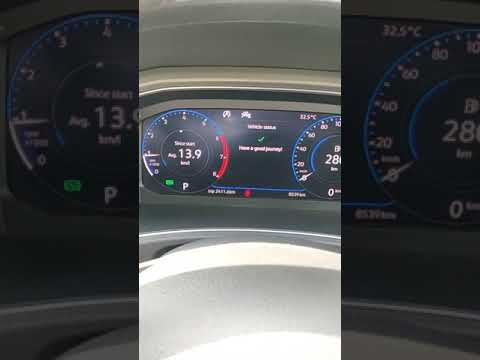
To reset the trip meter on the Volkswagen T-Roc, first turn on the instrument cluster to access the options on the onboard computer. Use the arrow controls on the right side of the steering wheel to navigate through the menu. Scroll until you see the kilometres travelled since the last trip meter reset: once this value is displayed, press and hold the OK button on the right side of the steering wheel until the trip meter resets. by ScegliAuto More videos
|
|
For advertising on this site Write to info@scegliauto.com
ScegliAuto is not responsible for any inaccuracy of the data in the lists. To report any inaccuracy or your business (if you own the business in question), please write to info@scegliauto.com
Number of seconds to generate the page: 0.041
(c) ScegliAuto 2026 - info@scegliauto.com - Privacy policy - About us VAT number: IT01247470535 |
