
|
Do it yourself
| |||
| ||||


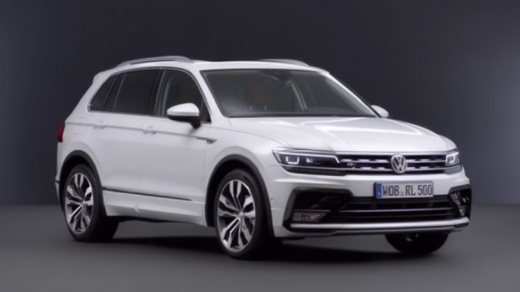
How to reset the oil light on the 2022 Volkswagen Tiguan
Model: Volkswagen Tiguan
BW, MK 2, AD
- Years 2016-2025
Video tutorial
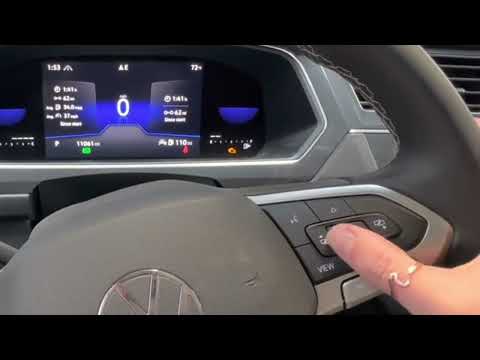
Detailed instructions - Here is a simple and quick tutorial on how to reset the service or oil change light on a 2022 Volkswagen Tiguan. To perform this simple operation, press the menu button on the right side of the steering wheel to access the general settings of the vehicle. By pressing the arrow buttons, select the "maintenance" option and then the "oil reset" option. Wait for the necessary loading for the next service and complete the update by restarting the instrument panel of the Tiguan. This tutorial video can be applied to all Tiguan models produced from 2016 to 2025.
Posted on 3 May 2025 by ScegliAuto
Related tutorials
Volkswagen Tiguan
(2016-2025 /
BW, MK 2, AD)
If you have just changed the engine oil in your latest Volkswagen Tiguan, but the warning light is still on, then you just need to follow the procedu…
Volkswagen Tiguan
(2016-2025 /
BW, MK 2, AD)
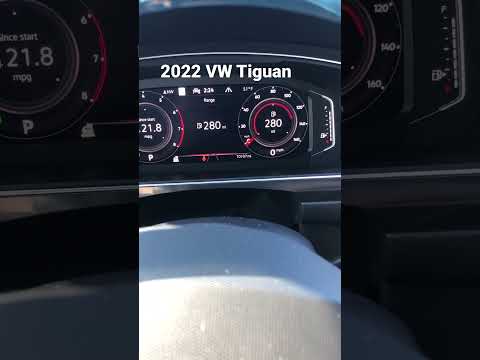
Below, discover how to correctly perform the manual reset of the oil light that continues to appear on the dashboard of your Volkswagen Tiguan second…
Volkswagen Tiguan
(2016-2025 /
BW, MK 2, AD)
In this new guide for all you owners of a second-generation Volkswagen Tiguan (2022), we will discover how to reset the engine oil light. First, turn…
Other guides you may be interested in
|
How to Adjust the Handbrake on a BMW 1 Series?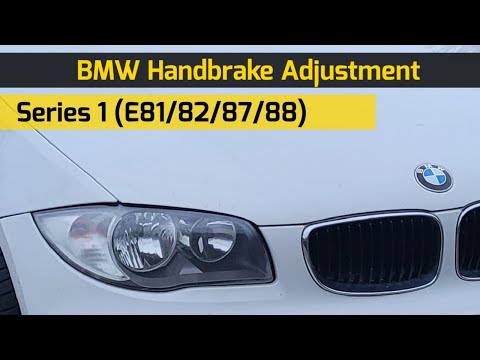
To adjust the handbrake on a BMW 1 Series, use a tool to pry off the leather cover that wraps around the base of the handbrake lever. Once this cover is removed, you will be able to locate the spring that regulates the handbrake tension. At this point, adjust the nut located at the base of the spring: tightening the nut will make the handbrake firmer and reduce the lever's travel. Conversely, loosening the nut will decrease the handbrake's firmness and increase the lever's travel. by ScegliAuto More videos
|
|
For advertising on this site Write to info@scegliauto.com
ScegliAuto is not responsible for any inaccuracy of the data in the lists. To report any inaccuracy or your business (if you own the business in question), please write to info@scegliauto.com
Number of seconds to generate the page: 0.070
(c) ScegliAuto 2026 - info@scegliauto.com - Privacy policy VAT number: IT01247470535 |
