
|
Do it yourself
| |||
| ||||


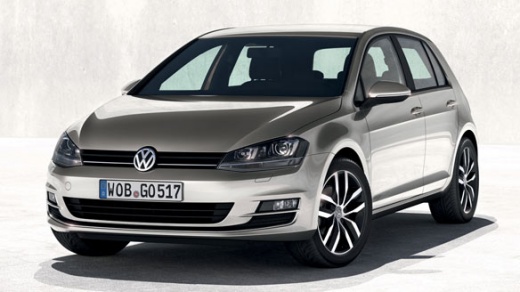
How to replace the fuel tank cap in the Volkswagen Golf 7?
Model: Volkswagen Golf
MK 7, Golf 7, Golf VII
- Years:
2012, 2013, 2014, 2015, 2016, 2017, 2018, 2019
Video tutorial
The video tutorial uploaded here, it is specified for clarity, has a generic value as the methodology of carrying out the work is common to all cars, since the fuel tank caps are almost identical. Not only does the protagonist show us how to remove the aforementioned cap, but also how to try to clean both it and the threaded base where it is screwed in. After opening the little door of the mentioned cap, we unscrew it and detach the end of the cable that keeps them connected from the little door. Now that the cap, precisely, is free, we proceed with the installation of a new one.
Posted on 13 June 2025 by ScegliAuto
Related tutorials
Volkswagen Golf
(1997-2003 /
Golf IV, Golf 4, MK 4)
This guide explains how to open the fuel filler cap on a Volkswagen Golf model 4. To open the cap, first, open the fuel flap. The fuel flap can only …
Volkswagen Golf
(2012-2019 /
MK 7, Golf 7, Golf VII)
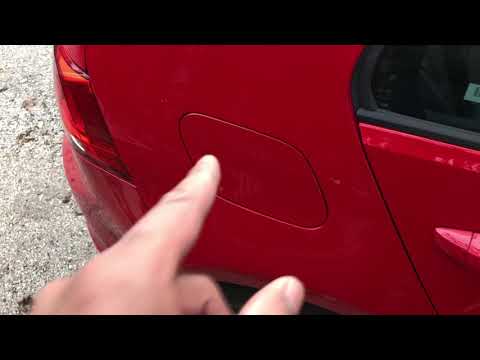
Let's see how to open the fuel cap for refuelling on a Volkswagen Golf. First, open the fuel flap located on the left side of the car body (press the…

Volkswagen Golf
(2012-2019 /
MK 7, Golf 7, Golf VII)
Hello, today’s goal is to understand how to open the fuel flap on your Volkswagen Golf. Start by exiting the vehicle. Even if the car doors are alrea…
Other guides you may be interested in
|
Frequently Asked QuestionsHow to reset the tyre pressure warning light on the Kia Niro EV?
To reset the tyre pressure warning light on the Kia Niro EV, inflate the tyres until they reach the correct pressure value. This value is indicated on the sticker attached to the driver's door pillar. Once the tyres are inflated, turn on the instrument cluster to check that the warning light has completely disappeared from the display. If it is still present, you may need to drive for a few miles to ensure it disappears completely from the screen. by ScegliAuto More videos
|
|
For advertising on this site Write to info@scegliauto.com
ScegliAuto is not responsible for any inaccuracy of the data in the lists. To report any inaccuracy or your business (if you own the business in question), please write to info@scegliauto.com
Number of seconds to generate the page: 0.018
(c) ScegliAuto 2026 - info@scegliauto.com - Privacy policy VAT number: IT01247470535 |
