
|
Do it yourself
| |||
| ||||


How to deactivate the maximum privacy option on Volkswagen Golf VII
Model: Volkswagen Golf
Golf 8, MK 8, Golf Viii
- Years 2019-2026
In this video, we see how to deactivate the "maximum privacy" option on a Volkswagen Golf VIII. This option limits the sharing of your vehicle's data with Volkswagen and connected services to the maximum, deactivating most of the remote services that allow you to interact with your car remotely, such as: locating the vehicle, checking the state of charge of the traction battery, receiving notifications about the vehicle's status; all to protect your privacy. If we want to deactivate this option, we must operate from the multimedia screen, go to "user settings" then to "privacy and services settings" and then select "share my location".
Posted on 14 July 2025 by ScegliAuto
Video tutorial
Related tutorials
Volkswagen Golf
(2012-2019 /
Golf VII, MK 7, Golf 7)
Today, you will discover the main instructions to disable automatic traffic alerts on a Volkswagen Golf. First, get into the vehicle and turn on the …
Volkswagen Golf
(2012-2019 /
Golf VII, MK 7, Golf 7)
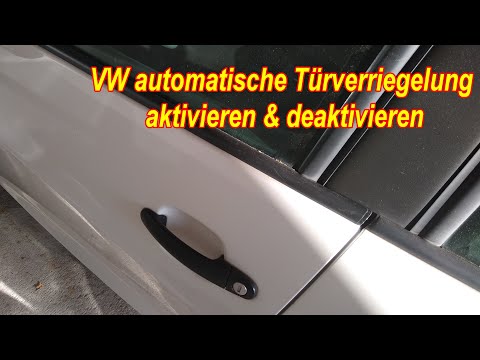
To deactivate the automatic door lock on the Volkswagen Golf, turn on the instrument panel and then navigate to the menu that appears on the display …
Volkswagen Golf
(2012-2019 /
Golf VII, MK 7, Golf 7)
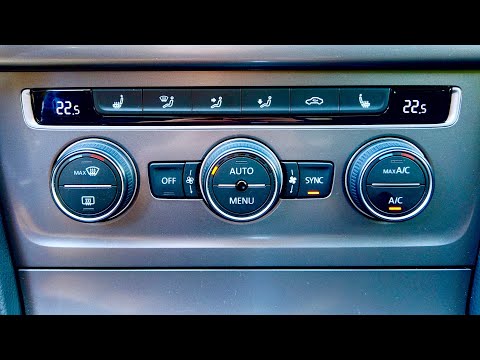
To resolve the issue of incorrect air distribution in the Volkswagen Golf MK VII, you can try this service procedure that will force the air flaps to…
Other guides you may be interested in
|
Frequently Asked QuestionsHow to set the clock on the Opel Zafira
Setting the clock to the current Italian time on an Opel Zafira model B vehicle is a very simple operation, which can also be done independently thanks to our short instructional video. The first thing to do is to turn on the instrument panel and then press the SETTING button, located on the central dashboard. Once inside the menu, use the buttons to navigate to the clock setting. Change the hours and minutes and restart the instrument panel. If the clock is not updated, a diagnosis may be necessary at the radio or vehicle control unit. by ScegliAuto More videos
|
|
For advertising on this site Write to info@scegliauto.com
ScegliAuto is not responsible for any inaccuracy of the data in the lists. To report any inaccuracy or your business (if you own the business in question), please write to info@scegliauto.com
Number of seconds to generate the page: 0.148
(c) ScegliAuto 2026 - info@scegliauto.com - Privacy policy VAT number: IT01247470535 |
