
|
Do it yourself
| |||
| ||||


How do you activate the fog lights in the Volkswagen Tiguan?
Model: Volkswagen Tiguan
5N, MK 1
- Years 2007-2016
In this description, you will find step-by-step instructions on how to activate the fog lights in your Volkswagen Tiguan. It's very simple and quick, as we will see in this short video. To activate them, you need to move to the back of the steering wheel and access the controls that regulate the car's lights. Then, as we can see in the video, you just need to move the lever to the position for the low beam lights and then lift it twice. We will see that the fog light indicator lights up on our dashboard. This is the procedure to turn on the fog lights.
Posted on 11 December 2025 by ScegliAuto
Video tutorial
Related tutorials
Volkswagen Tiguan
(2016-2025 /
BW, MK 2, AD)
In order to turn on the fog lights of the Volkswagen Tiguan, you need to turn on the instrument panel by inserting the ignition key into the correspo…

Volkswagen Tiguan
(2007-2016 /
5N, MK 1)
The following steps will show us how to activate and deactivate the alarm system of the Volkswagen Tiguan. First, we open the front door on the drive…
Volkswagen Tiguan
(2016-2025 /
BW, MK 2, AD)
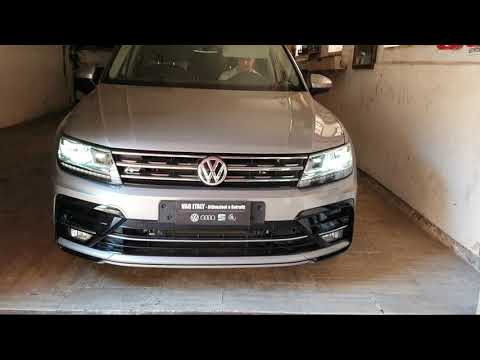
In today's video, learn how to remove and replace the fog lights on the Volkswagen Tiguan. Specifically, new LED units will be installed. First, purc…
Other guides you may be interested in
|
How to change the time on a Toyota Yaris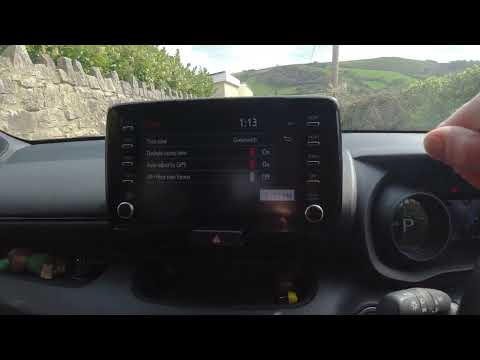
In this video we see how to change the time on a Toyota Yaris, specifically when it comes to switching from daylight saving time to standard time and vice versa. We go to the multifunction screen and press "settings": from there we go to press the clock, simply click on daylight saving time, and the clock will change the time for us, without doing anything else. All we want to do is just adjust the time format to 12 or 24 hours, as is customary in the area where we live: for example in Anglo-Saxon countries it is common to set the time to 12 hours, while in the European Union it is normally set to 24 hours. by ScegliAuto More videos
|
|
For advertising on this site Write to info@scegliauto.com
ScegliAuto is not responsible for any inaccuracy of the data in the lists. To report any inaccuracy or your business (if you own the business in question), please write to info@scegliauto.com
Number of seconds to generate the page: 0.091
(c) ScegliAuto 2026 - info@scegliauto.com - Privacy policy VAT number: IT01247470535 |
