
|
Do it yourself
| |||
| ||||


How to Activate the App Connect System on a Volkswagen Tiguan
Model: Volkswagen Tiguan
BW, MK 2, AD
- Years 2016-2025
Briefly, here are the instructions to activate the App Connect system by connecting your smartphone to the multimedia system of the Volkswagen Tiguan. First, get in the car and turn on the instrument cluster; then connect your smartphone to the multimedia system using a USB cable, selecting the appropriate port. Next, go to App Connect on the display to access the main functions of your smartphone directly from the multimedia system, setting preferences and main applications.
Posted on 19 March 2026 by ScegliAuto
Video tutorial
Related tutorials
Volkswagen Tiguan
(2016-2025 /
BW, MK 2, AD)
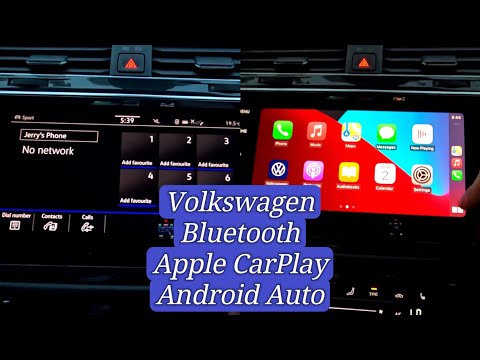
Follow these instructions to connect your smartphone via Bluetooth and activate the App Connect feature for Android Auto and Apple CarPlay on the Vol…
Volkswagen Tiguan
(2016-2025 /
BW, MK 2, AD)
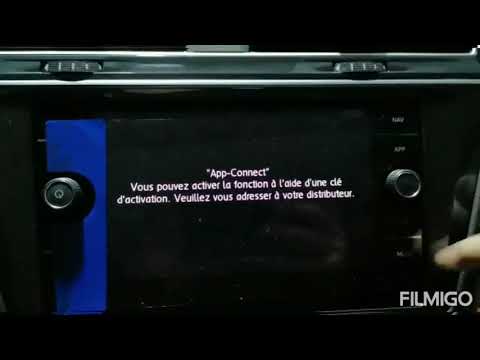
To unlock App Connect on the Volkswagen Tiguan, you need to visit the official network or the dealership where the car was purchased: here, you can p…
Volkswagen Tiguan
(2016-2025 /
BW, MK 2, AD)
Today's guide will show you the steps to use the App Connect system on the Volkswagen Tiguan, as well as on other models equipped with the same multi…
Other guides you may be interested in
|
Frequently Asked QuestionsHow to reset the tyre pressure warning light on the Dacia Sandero?
To reset the tyre pressure warning light on the Dacia Sandero, inflate all the tyres to the pressure indicated on the label on the driver's door. Once the tyres are inflated, turn on the ignition and navigate through the menu using the controls on the right side of the steering wheel. Scroll with the arrows to find the tyre pressure option: by holding down the OK button located on the right side of the steering wheel, you can reset the warning light. by ScegliAuto More videos
|
|
For advertising on this site Write to info@scegliauto.com
ScegliAuto is not responsible for any inaccuracy of the data in the lists. To report any inaccuracy or your business (if you own the business in question), please write to info@scegliauto.com
Number of seconds to generate the page: 0.059
(c) ScegliAuto 2026 - info@scegliauto.com - Privacy policy VAT number: IT01247470535 |
