
|
Do it yourself
| |||
| ||||


How to turn on the fog lights on Volkswagen vehicles
Model: Volkswagen Golf
MK 6, Golf VI, Golf 6, 5K1
- Years 2008-2012
Let's see how to turn on the fog lights on Volkswagen vehicles. The switch does not have a position to "turn" to activate the fog lights. Instead, the control works by pulling the knob towards you. Locate the headlight switch on the left side of the headlights, near the door. Turn it to the "ON" position (headlights on), then pull the switch outwards; on the first click, the front fog lights will turn on, and on the second click, the rear fog lights will activate. Check the activation by observing the indicator lights on the instrument cluster. This system prevents the fog lights from being turned on without the dipped headlights being activated, to avoid using them in conditions not permitted by road regulations.
Posted on 25 March 2026 by ScegliAuto
Video tutorial
Related tutorials
Volkswagen Golf
(2019-2026 /
Golf 8, MK 8, Golf Viii)
In this guide, you will find instructions on how to activate the front and rear fog lights on the Volkswagen Golf. First, get inside the vehicle and …
Volkswagen Golf
(2008-2012 /
MK 6, Golf VI, Golf 6, 5K1)
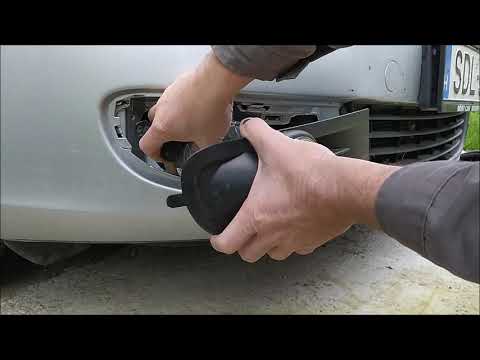
In today's tutorial, you will learn how to remove and replace the front fog lights on the sixth generation Volkswagen Golf, in the variant version. F…

Volkswagen Golf
(2012-2019 /
Golf VII, MK 7, Golf 7)
Below are the instructions that will allow you to remove and replace the bulbs of the front fog lights on a Volkswagen Golf. First, move to the side …
Other guides you may be interested in
|
How to Replace the Cabin Filter on the Opel Grandland X
If you own an Opel Grandland X and want to know the steps to replace the cabin air filter, carefully read the following guide and follow the described steps. First, enter the vehicle and go to the passenger side. Then, locate the box containing the air filter in the lower side area of the dashboard. Remove the cover of the box and finally replace the old filter with the new one. Refit the cover, and you are done. by ScegliAuto More videos
|
|
For advertising on this site Write to info@scegliauto.com
ScegliAuto is not responsible for any inaccuracy of the data in the lists. To report any inaccuracy or your business (if you own the business in question), please write to info@scegliauto.com
Number of seconds to generate the page: 0.102
(c) ScegliAuto 2026 - info@scegliauto.com - Privacy policy VAT number: IT01247470535 |
