
|
Do it yourself
| |||
| ||||


Removing and Installing the Transponder in a Volkswagen Golf IV Remote
Model: Volkswagen Golf
Golf IV, MK 4, Golf 4
- Years 1997-2003
To replace the transponder in the key of a Volkswagen Golf IV, separate the two halves of the shell. Use a flat screwdriver to lever in the gap (left by the VW symbol) and separate the halves. Take the key part: the transponder is there. Inside, you will find a screw hidden under the VW symbol. Remove it and separate the two halves of the key. The transponder is a small glass tube: remove it with extreme care. If it breaks, you can purchase a new one on Amazon with code B07WF6VM3P for £7.59 plus £5 delivery. For reassembly, insert the new transponder, screw it in, and rejoin the two halves. Test the key: if the engine starts, the transponder works. Stick the VW symbol back to close the shell.
Posted on 1 September 2026 by ScegliAuto
Video tutorial
Related tutorials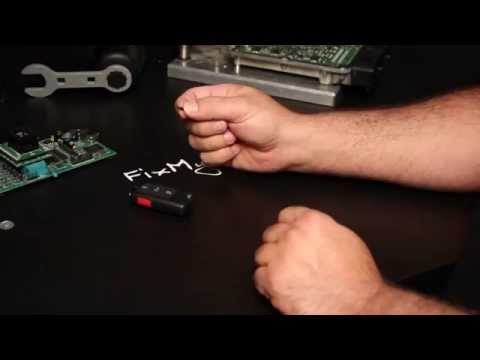
Volkswagen Golf
(1997-2003 /
Golf IV, MK 4, Golf 4)
Inside the remote key, besides housing the battery and the electronic circuit for opening and closing the vehicle, is the so-called transponder: an a…

Volkswagen Golf
(2008-2012 /
MK 6, Golf VI, Golf 6, 5K1)
Today's instructions will show us how to disassemble and replace the key shell of the Volkswagen Golf, in simple steps. First, we take our remote con…
Volkswagen Golf
(2003-2008 /
MK 5, Golf 5, Golf V)
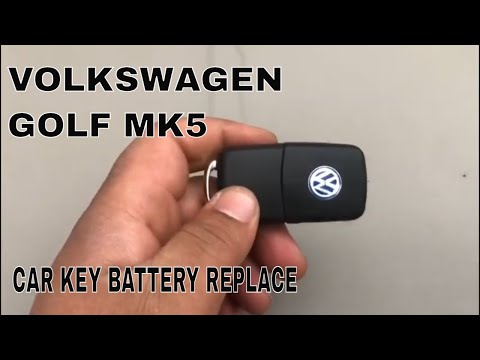
To replace the remote battery of your Volkswagen Golf 5, press the button to lift the key and lever inside the housing to separate the upper part fro…
Other guides you may be interested in
|
How to Reset the Tyre Warning Light on a Toyota Aygo 2022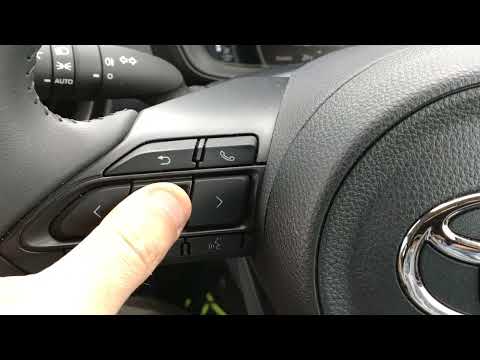
To reset the tyre warning light on your Toyota Aygo Mk2 (2022), follow the steps in this guide. First, get into the driver's seat and turn on the instrument panel. Then, press the menu button located on the left side of the steering wheel. Scroll through the options and select "Vehicle settings". Next, enter "TPWS setting" and press "Set pressure". Finally, confirm the operation, and shortly after, the manual reset procedure will be successfully completed. by ScegliAuto More videos
|
|
For advertising on this site Write to info@scegliauto.com
ScegliAuto is not responsible for any inaccuracy of the data in the lists. To report any inaccuracy or your business (if you own the business in question), please write to info@scegliauto.com
Number of seconds to generate the page: 0.113
(c) ScegliAuto 2026 - info@scegliauto.com - Privacy policy VAT number: IT01247470535 |
