
|
Do it yourself
| |||
| ||||


Removing the Wiper Arm on a Volkswagen Polo
Model: Volkswagen Polo
MK III, Polo III, Polo 3, MK 3, 6N
- Years 1994-2003
In this video tutorial, you will learn how to remove the wiper arm of a first-generation Volkswagen Polo. First, open the engine bonnet: to remove the wiper arm, unscrew the anchoring screws of the arm. Use a ratchet spanner to unscrew them; then, leverage the sides of the arm and apply some force to pull it outwards. At this point, you can replace it with a new one if desired. Later in the video, the removal of the wiper motor will be illustrated. If interested, follow the video to the end.
Updated on 27 March 2026 by ScegliAuto
Video tutorial
Related tutorials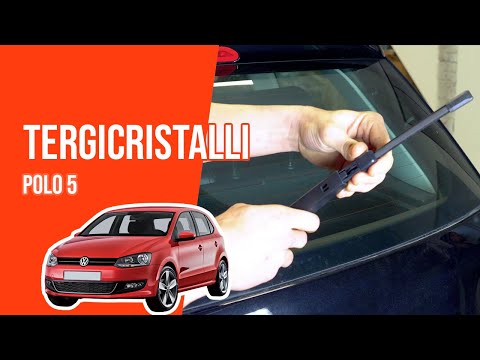
Volkswagen Polo
(2009-2017 /
Polo 5, Polo V, MK 5, MK V, 6R)
Gently lift the wiper arm, press the release button, and pull out the blade. To fit the new blade, simply slide it into the designated slot until you…
Volkswagen Polo
(2009-2017 /
Polo 5, Polo V, MK 5, MK V, 6R)
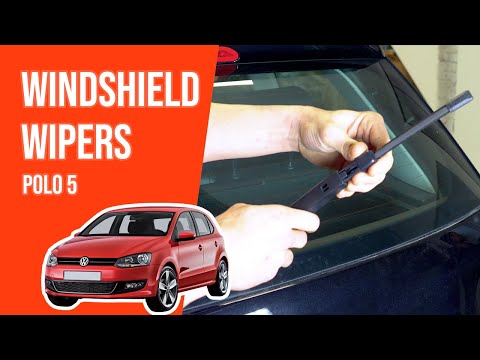
Before starting, exit the cabin of your Volkswagen Polo and head to the front wiper blade. Begin by lifting the support arm of the front wiper. Next,…
Volkswagen Polo
(2001-2009 /
MK IV, Polo IV, Polo 4, MK 4, 9N)
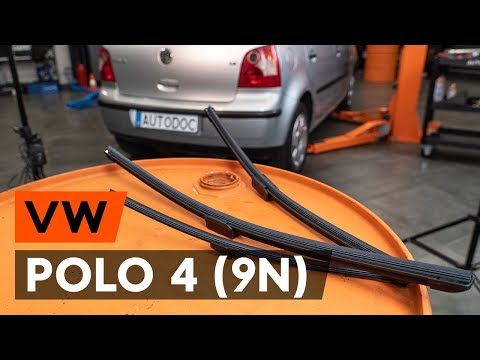
Before you can start, exit the cabin of your Volkswagen Polo and head towards the rear wiper blade. Begin by lifting the support arm of the rear wipe…
Other guides you may be interested in
|
Fuses Location and Diagram for the Volkswagen Crafter
In this guide, we will look at the location of the fuse boxes and how to find their diagram for the Volkswagen Crafter. First, get inside the vehicle and start by removing the plastic cover found under the steering wheel, to access the internal fuse box; you will find another fuse box in the engine compartment by removing the plastic cover located next to the battery. At this point, use the owner's manual to find the fuse diagram, which will allow you to identify and replace any blown fuses with new ones! by ScegliAuto More videos
|
|
For advertising on this site Write to info@scegliauto.com
ScegliAuto is not responsible for any inaccuracy of the data in the lists. To report any inaccuracy or your business (if you own the business in question), please write to info@scegliauto.com
Number of seconds to generate the page: 0.611
(c) ScegliAuto 2026 - info@scegliauto.com - Privacy policy VAT number: IT01247470535 |
