
|
Do it yourself
| |||
| ||||


Camshaft Sensor Replacement
Model: Volkswagen Polo
MK IV, Polo 4, 9N, MK 4, Polo IV
- Years:
2001, 2002, 2003, 2004, 2005, 2006, 2007, 2008, 2009
Video tutorial
A malfunctioning camshaft sensor often causes engine starting issues as the ECU cannot read the valve position, thus failing to provide the correct injection sequence. The sensor is easy to locate: it is situated beside the rocker cover; disconnect the connector attached to it, unscrew the fixing screw, and remove it from its housing. Apply some oil to the o-ring of the new sensor before installation to improve its adherence, tighten the fixing screw, and reconnect the connector. Finally, clear the fault memory of the engine management ECU using appropriate diagnostic equipment.
Updated on 7 February 2026 by ScegliAuto
Related tutorials
Volkswagen Polo
(2001-2009 /
MK IV, Polo 4, 9N, MK 4, Polo IV)
In this video tutorial, you will find instructions on how to remove and replace the camshaft sensor from a Volkswagen Polo 1.4, as well as from a Sea…
Volkswagen Polo
(2009-2017 /
6R, MK V, Polo 5, Polo V, MK 5)
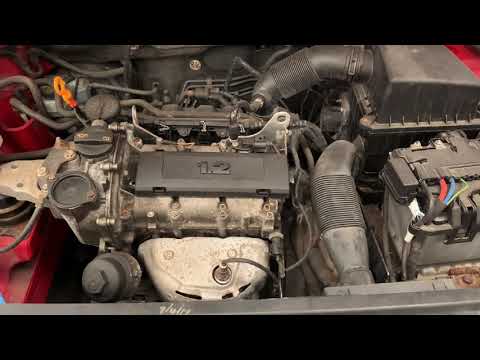
Today, in this brief and simple guide, follow the instructions to remove and replace the camshaft sensor on the Volkswagen Polo 1.2. First, open the …

Volkswagen Polo
(2001-2009 /
MK IV, Polo 4, 9N, MK 4, Polo IV)
Below are the instructions that will allow you to remove and replace the camshaft position sensor on the Volkswagen Polo 1.4. First, open the bonnet …
Other guides you may be interested in
|
How to Reset the SOS System Error on the Audi A4
This guide provides information on how to restore the functionality of the SOS emergency call system on the Audi A4. The SOS system is now available on almost all models from the manufacturer; one of the most common issues is related to the malfunction of the SOS system, for which we will outline possible solutions. The issue can sometimes be resolved by resetting the MMI multimedia system by holding down the power button; otherwise, it will be necessary to perform a diagnostic check at the nearest service center. by ScegliAuto More videos
|
|
For advertising on this site Write to info@scegliauto.com
ScegliAuto is not responsible for any inaccuracy of the data in the lists. To report any inaccuracy or your business (if you own the business in question), please write to info@scegliauto.com
Number of seconds to generate the page: 0.040
(c) ScegliAuto 2026 - info@scegliauto.com - Privacy policy VAT number: IT01247470535 |
