
|
Do it yourself
| |||
| ||||


Brake Pad Replacement
Model: Volkswagen Transporter
T5, MK 5
- Years 2003-2014
Lift the vehicle with a jack and apply axle stands for safety; then remove the wheel, take off the protective caps from the brake caliper mounting bolts, and unscrew them to remove the caliper; then extract the old pads; fully retract the caliper piston using a C-clamp or a mole grip and fit the new pads. Reposition the brake caliper and tighten the mounting bolts, then reapply the caps. Pump the brake pedal until it achieves the correct resistance, and pay attention during the initial braking.
Updated on 8 February 2026 by ScegliAuto
Video tutorial
Related tutorials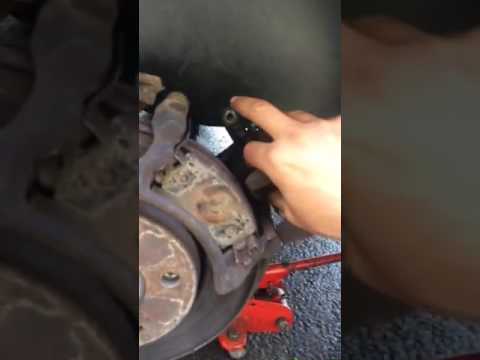
Volkswagen Transporter
(2003-2014 /
T5, MK 5)
Removing worn brake pads? Let's remove the brake pads from the Volkswagen Transporter. Lift the Transporter with a jack or column lift, then remove t…
Volkswagen Transporter
(1979-1990 /
T25, T3, MK 3)
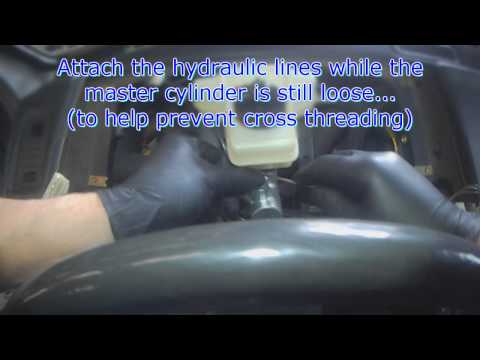
To replace the brake master cylinder, work from inside the cabin, not from the engine bay as one might expect: the cylinder is located beneath the da…
Volkswagen Transporter
(2003-2014 /
T5, MK 5)
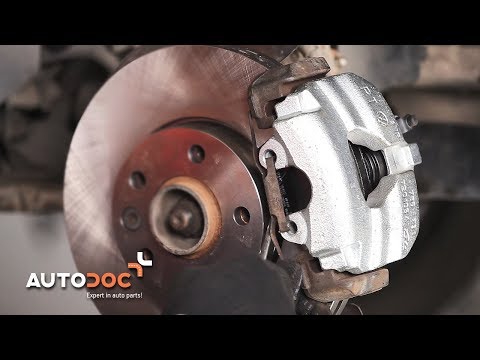
Damage to brake calipers is not a frequent failure, but overheating during braking and often corrosion caused by driving on salted snowy roads can le…
Other guides you may be interested in
|
How to Reset the Tyre Pressure Light on the Opel Grandland X
While driving, if you notice the tyre pressure warning light coming on, first check the actual inflation pressure of the tyres and, if necessary, restore the pressures recommended by the manufacturer. After restoring the correct pressures, you need to reset the warning light that has illuminated on the instrument cluster. To do this, locate the reset button on the lower central console. Press this button and hold it down for at least 3 seconds, after which the low pressure indication will turn off. by ScegliAuto More videos
|
|
For advertising on this site Write to info@scegliauto.com
ScegliAuto is not responsible for any inaccuracy of the data in the lists. To report any inaccuracy or your business (if you own the business in question), please write to info@scegliauto.com
Number of seconds to generate the page: 0.087
(c) ScegliAuto 2026 - info@scegliauto.com - Privacy policy VAT number: IT01247470535 |
