
|
Do it yourself
| |||
| ||||


Installation of Aftermarket Double DIN Car Radio
Model: Volkswagen Golf
MK 6, Golf VI, Golf 6, 5K1
- Years 2008-2012
Use a plastic lever to remove the trim around the original car radio; then unscrew the mounting screws at the four corners and pull the car radio forward; disconnect the relevant connectors at the back (before disconnecting, ensure you have any activation code needed for subsequent reactivation).
Insert the support for the new car radio, securing it with the original screws; connect the provided wiring harness to the original connectors following the wiring diagram instructions; connect the connectors to the new car radio, insert it into the support ensuring it fits correctly, and finally apply the surround trim and then the original frame.
Updated on 8 February 2026 by ScegliAuto
Video tutorial
Related tutorials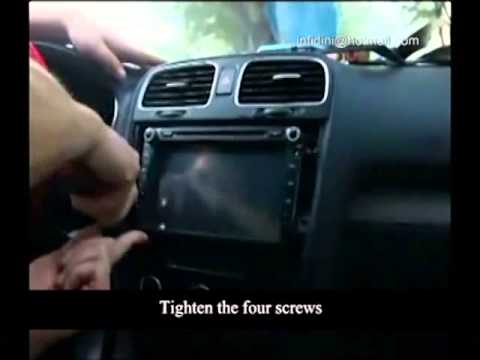
Volkswagen Golf
(2008-2012 /
MK 6, Golf VI, Golf 6, 5K1)
Release the frame around the car radio by prying along the edges and unscrew the four mounting screws located at the four corners; then extract the c…
Volkswagen Golf
(2008-2012 /
MK 6, Golf VI, Golf 6, 5K1)
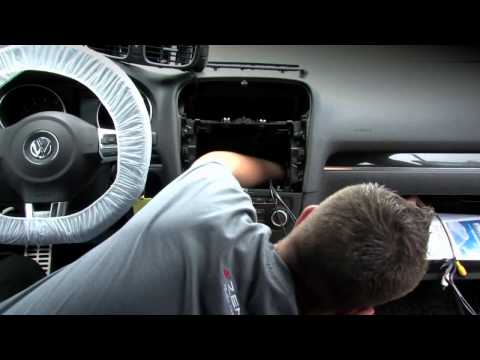
If you want to replace the original radio with an aftermarket entertainment and navigation system, there are many plug-and-play solutions available t…
Volkswagen Golf
(2003-2008 /
MK 5, Golf 5, Golf V)
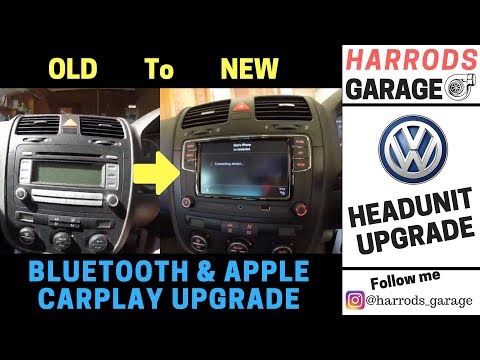
Want to fit a 2 din stereo in a Golf 5? Let's look at removing the original stereo from the Golf 5. Remove (by prying) the plastic trim above the das…
Other guides you may be interested in |
How to Open a Stuck Boot on the Peugeot 407?
On the Peugeot 407, the boot may become stuck, possibly due to a problem with the control button or the lock actuator. In such cases, you can perform an emergency opening by following the simple procedure shown in this tutorial. First, open the rear doors, then lower the seat back by operating the release lever. Next, go inside the boot, locate the lock, and manually operate it using a flathead screwdriver. The boot will then be free to open. by ScegliAuto More videos
|
|
For advertising on this site Write to info@scegliauto.com
ScegliAuto is not responsible for any inaccuracy of the data in the lists. To report any inaccuracy or your business (if you own the business in question), please write to info@scegliauto.com
Number of seconds to generate the page: 0.061
(c) ScegliAuto 2026 - info@scegliauto.com - Privacy policy VAT number: IT01247470535 |
