
|
Do it yourself
| |||
| ||||


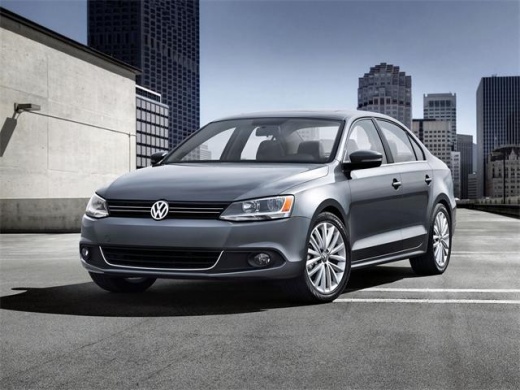
How to Reset the Oil Change Light on a Volkswagen Jetta
Model: Volkswagen Jetta
MK 6, A6
- Years:
2010, 2011, 2012, 2013, 2014, 2015, 2016, 2017, 2018
Video tutorial
Before starting, sit in the driver's seat of your Volkswagen Jetta. Begin by pressing and holding the "0.0" button located below the multifunction display. Then, turn the key in the ignition. Continue to hold until the message "Reset oil light?" appears. At this point, release the button, then press it again. This confirms your intention to reset the oil change light on your Volkswagen Jetta, completing the procedure.
Updated on 9 May 2026 by ScegliAuto
Related tutorials
Volkswagen Jetta
(2018-2025 /
A7, MK 7)
Today, we will discover the instructions and procedure to reset the service light for the routine maintenance oil change on the Volkswagen Jetta. Fir…

Volkswagen Jetta
(2018-2025 /
A7, MK 7)
Today we will see the step-by-step instructions that will allow us to reset the service light for the regular maintenance oil change on the Volkswage…

Volkswagen Jetta
(2018-2025 /
A7, MK 7)
In today's article, we will see how to reset the oil change and service indicator light on the Volkswagen Jetta. This operation will take less than 1…
Other guides you may be interested in
|
How to Reset the Tyre Pressure Warning Light on the Jeep Renegade?
To reset the tyre pressure warning light on the Jeep Renegade, inflate the tyres until they reach the recommended pressure: this value is indicated on the sticker attached to the driver’s door pillar. Once the tyres are properly inflated, navigate through the menu that appears on the instrument cluster until you find the tyre pressure option. At this point, press and hold the OK button on the right side of the steering wheel to make the warning light disappear. by ScegliAuto More videos
|
|
For advertising on this site Write to info@scegliauto.com
ScegliAuto is not responsible for any inaccuracy of the data in the lists. To report any inaccuracy or your business (if you own the business in question), please write to info@scegliauto.com
Number of seconds to generate the page: 0.085
(c) ScegliAuto 2026 - info@scegliauto.com - Privacy policy VAT number: IT01247470535 |
